What Is the Best Image Size for Etsy Listings?
If you have been selling on Etsy for any amount of time, you already know that the dimensions and size of your listing images change depending on where they are viewed. Etsy’s listing image ratio is different when viewing the listing in your shop, through Etsy’s search on mobile and on a desktop computer.
The requirements and best practices recommends a horizontal or square crop, but doesn’t offer any information on what that means as far as what aspect ratio you should use for Etsy listing photos.
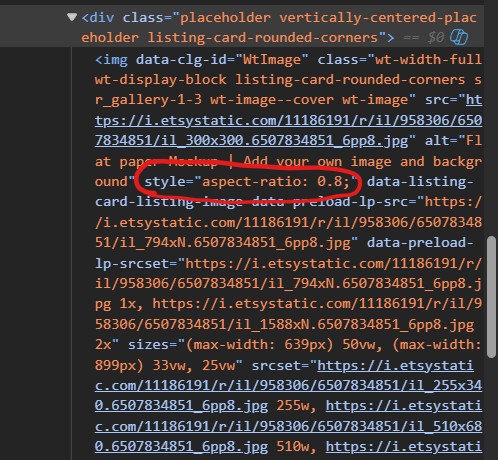
Somewhat recently, the ratio for Etsy’s search images changed from square to “portrait”. But what is the actual aspect ratio for Etsy’s search? As of writing this tutorial, it is 4:5. If you look at the code on Etsy’s search it shows the container’s aspect is set to 0.8. 4 divided by 5 is 0.8, so we want to shoot for a thumbnail that fits 4:5 to show up right in the search. Currently, 4:5 is the aspect ratio for Etsy’s desktop search and mobile search.
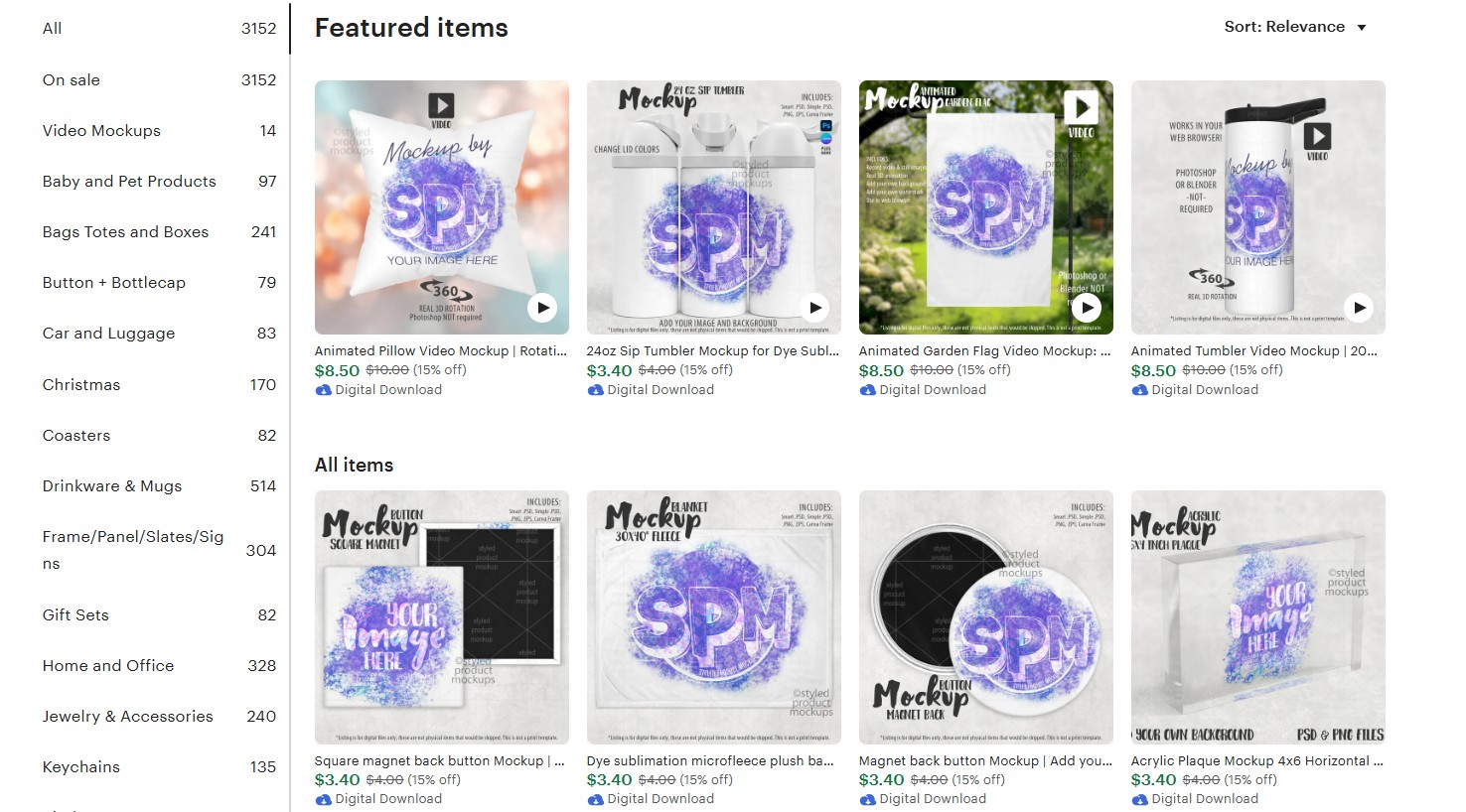
But, click on your shop and you will see that the images are cropped to a 1:1 square.
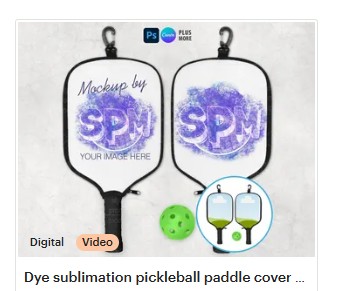
Then, there is the “horizontal”, which is 5:4. This thumbnail aspect shows up on the mobile landing page for Etsy. The desktop landing page is still showing 1:1 aspect ratio images.
So, I ran some tests and uploaded this square grid to see how the images were being cropped:
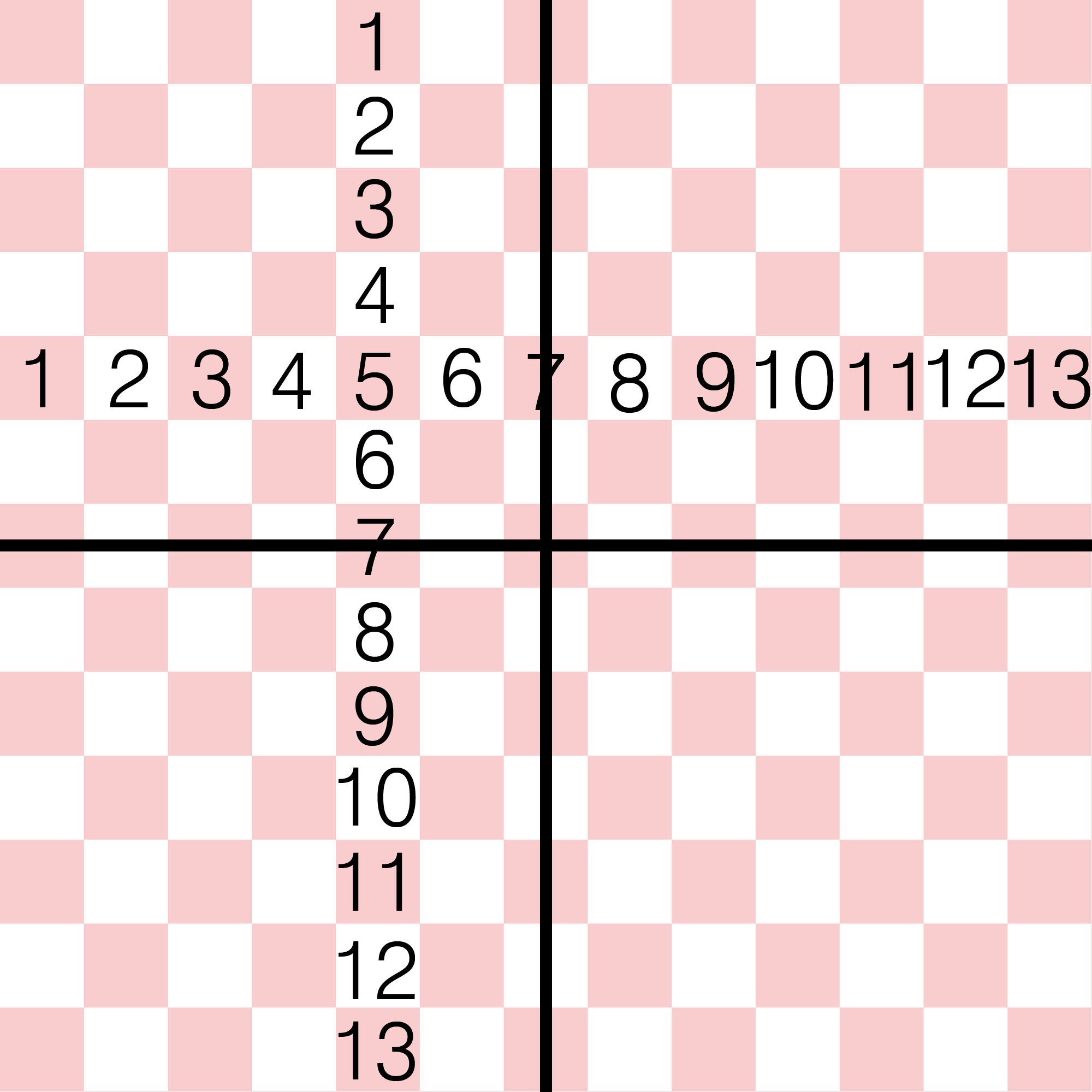
Here is how the image was cropped with Etsy’s 4:5 listing image aspect ratio. You can see it is not only cropping out the sides, but also a little off the top and bottom:
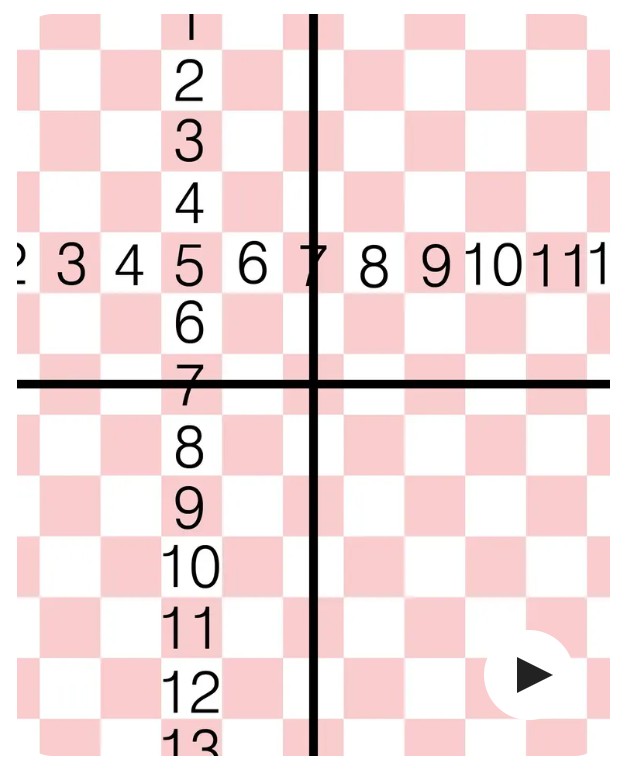
Here is how the image cropped to 5:4. It kept the left to right size and only cut off a bit at the top and bottom:
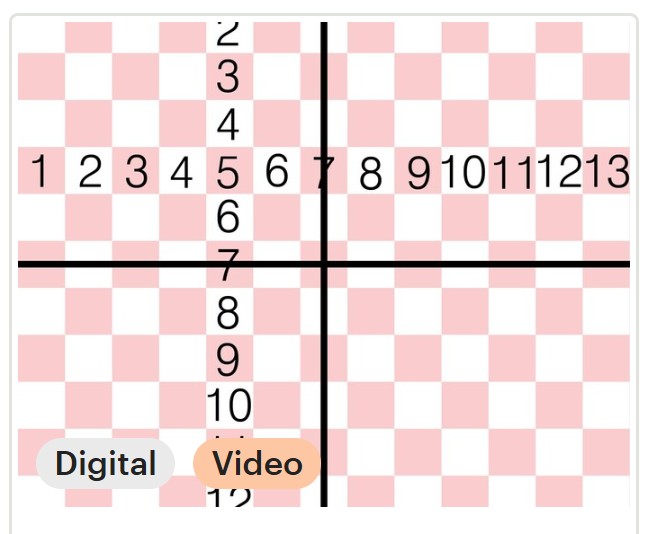
In order for your image to crop properly across all of Etsy’s different image listings, you will want to start with a square photo and leave enough space around the image on all sides.
To make this easy, I made a template for Etsy’s listing image sizes for you. You can click the image below and download it to use for free to help set up your listing images.

The overall grey area is the main square image. The red is how your image is going to be cropped when shown in the vertical 4:5 aspect ratio for Etsy’s search. The purple area is where it will crop for the horizontal 5:4 aspect ratio. Finally, the green area is the “sweet spot” where your image will be visible anywhere* on Etsy.
*As of the time of writing this tutorial. All sizes subject to change on an Etsy whim.
I hope this helps anybody who may have been struggling to get their images to show up properly across all of Etsy.
Follow my Social feeds for more tutorials and my latest mockup releases.


