Due to the nature of digital downloads, there will be no refunds for downloaded files. If you are having trouble using the files, please do not hesitate to contact us. You can also visit our tutorial library – click here.
No. The downloads only include mockup files, which are meant for display purposes only. You cannot use them to print the actual product.
The full licensing terms can be found here: License terms
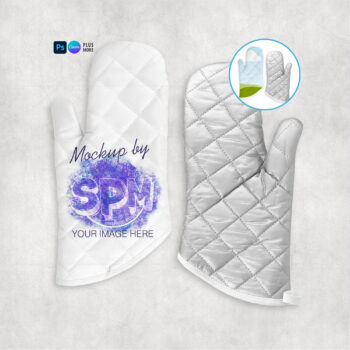
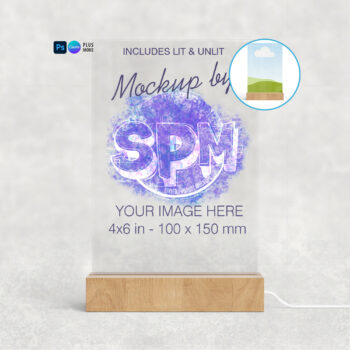
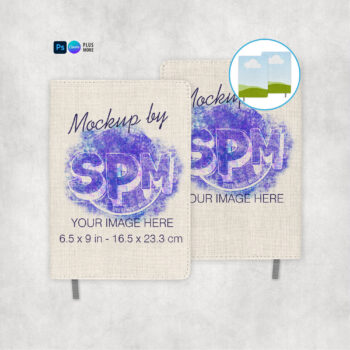
A mockup is basically a digital photograph that has been set up where you can add your own images onto the product. They are so you can showcase your designs on various products without having to print, press and photograph them yourself.
The process depends on the program you are using to edit. Visit our tutorial library here: Tutorials
Unless otherwise stated in the description, each listing includes a number of different file formats, which can be used in most popular image editing programs.
Smart PSD – Use in Photoshop CS6+, Photoshop CC, Photopea
Simple PSD – Use in Photoshop Elements, Affinity Designer, Affinity Photo, Procreate
PNG – Use in Silhouette Studio, GIMP, Procreate, Microsoft Word, and most other programs that can load in transparency (NOTE: None of the file versions will work in Cricut Design Space).
CANVA – Use in Canva
EPS – Use in Corel Draw, Adobe Illustrator
If you don’t see your program listed above, please contact us to see if the files will work for you.