Description
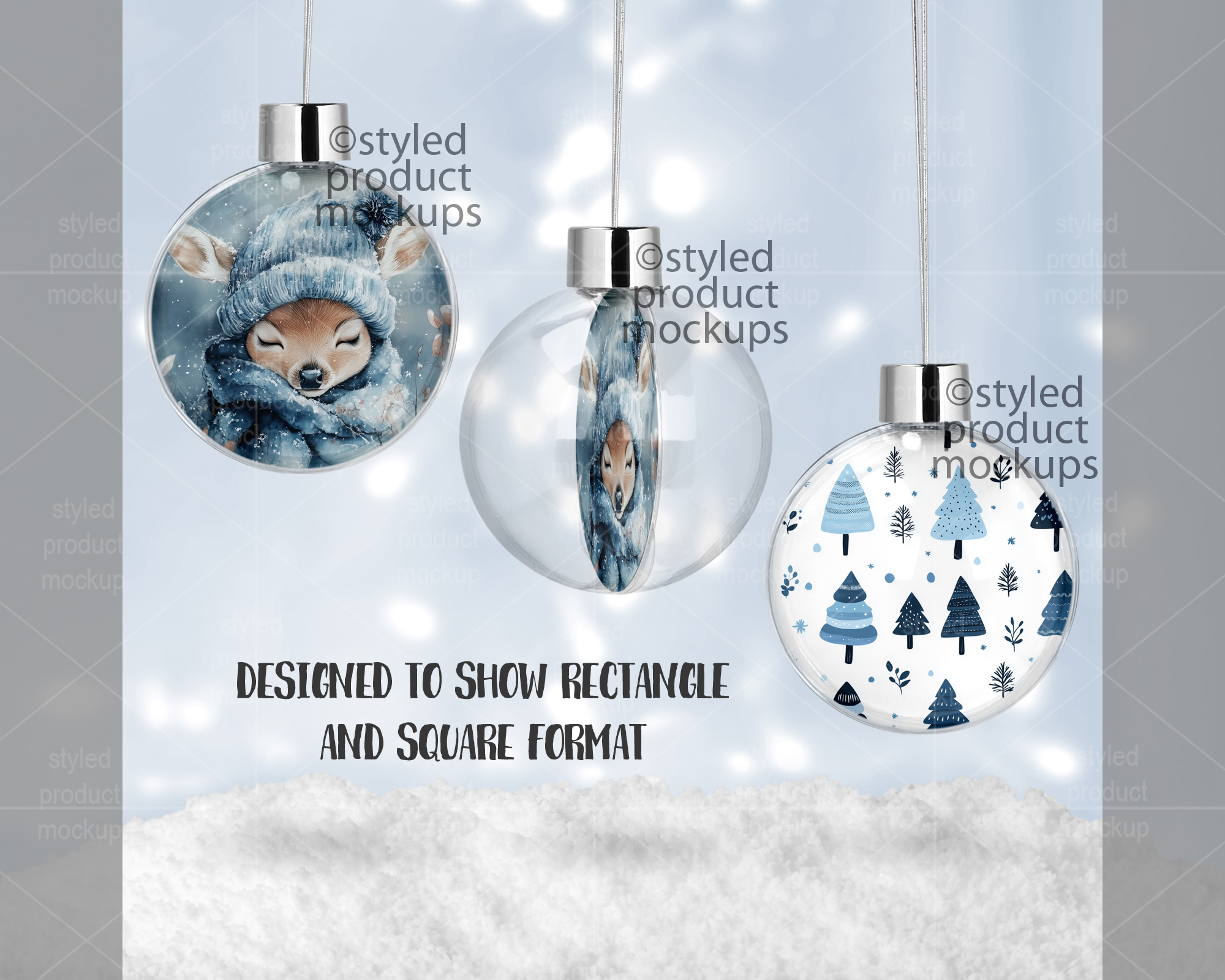
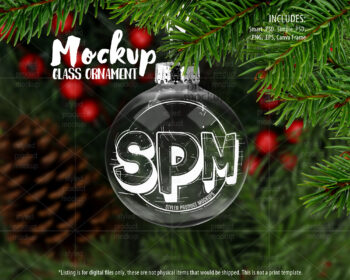
Double sided round floating ball ornament mockup | Add your own image and background
Looking for the blank product that matches this mockup? You can find it here:
https://www.halebound.com/product/sublimation-lg-round-floating-ornament/
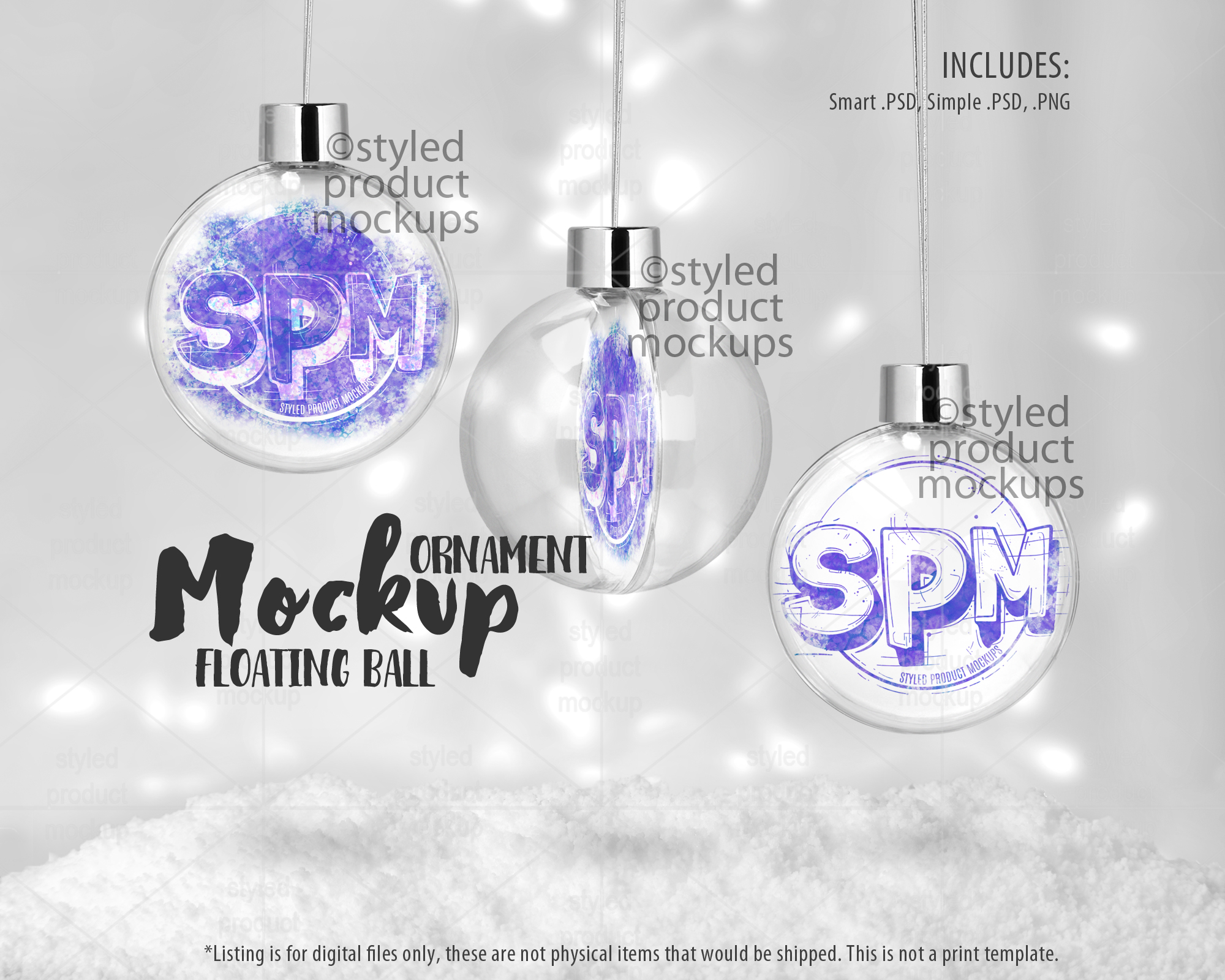
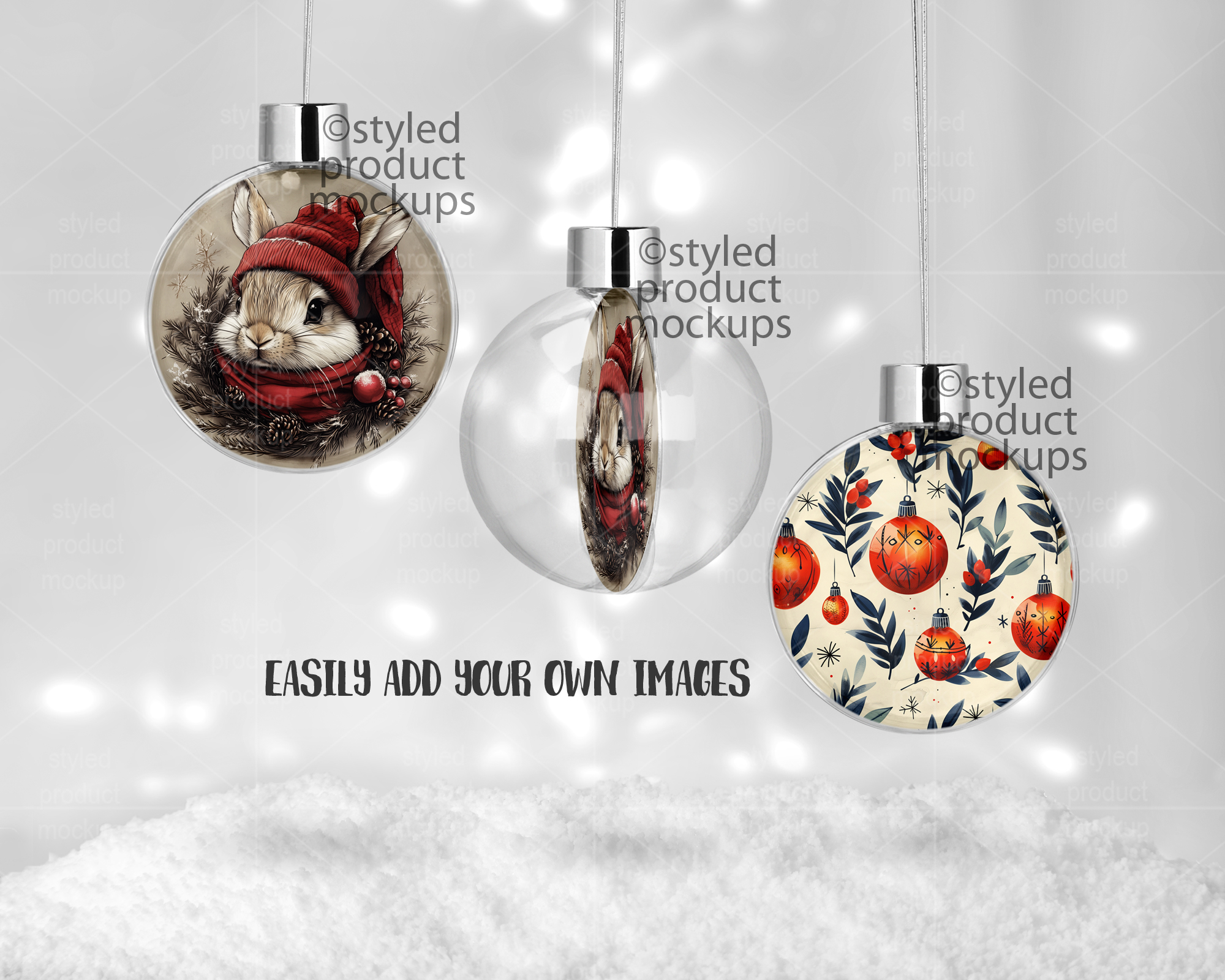
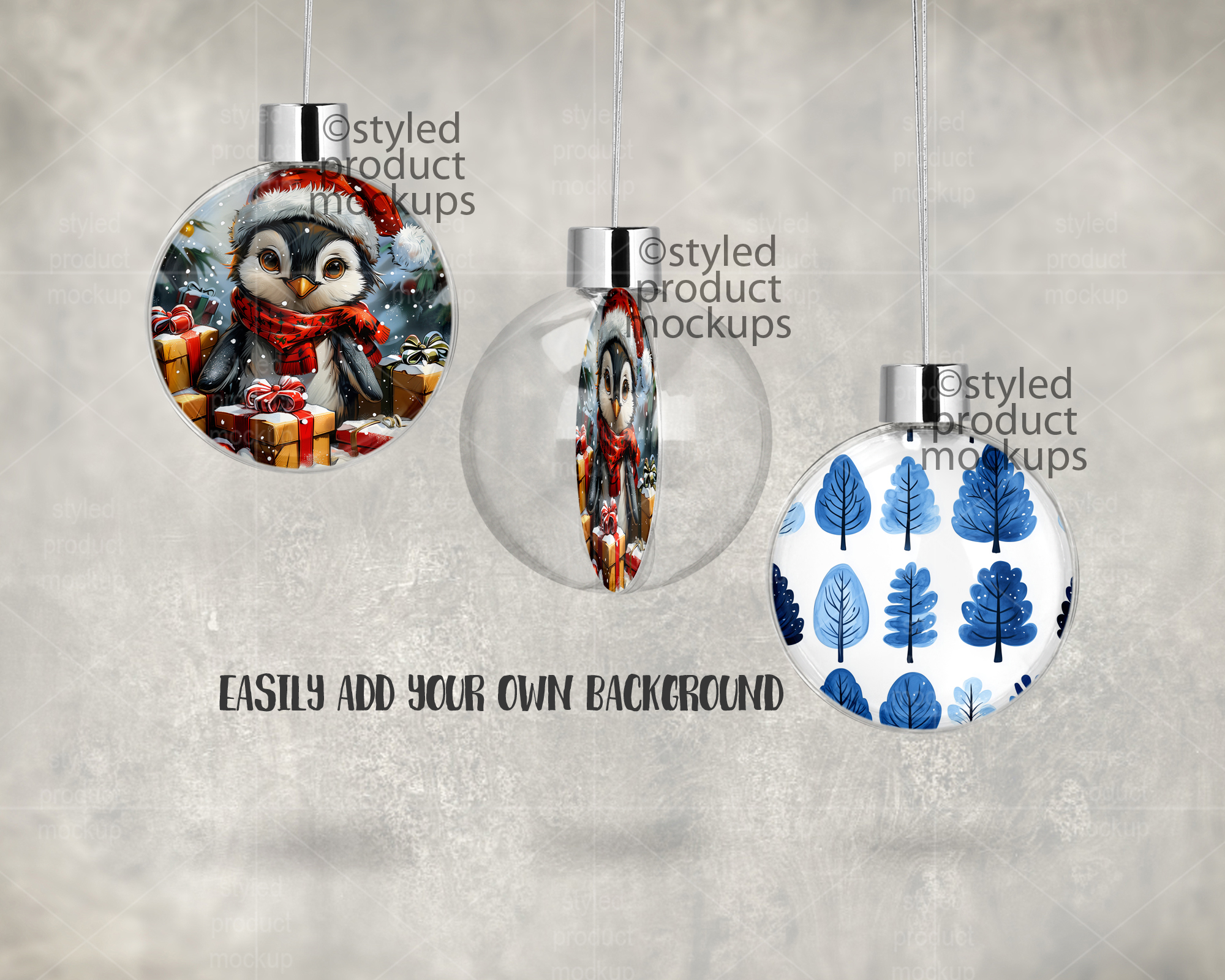
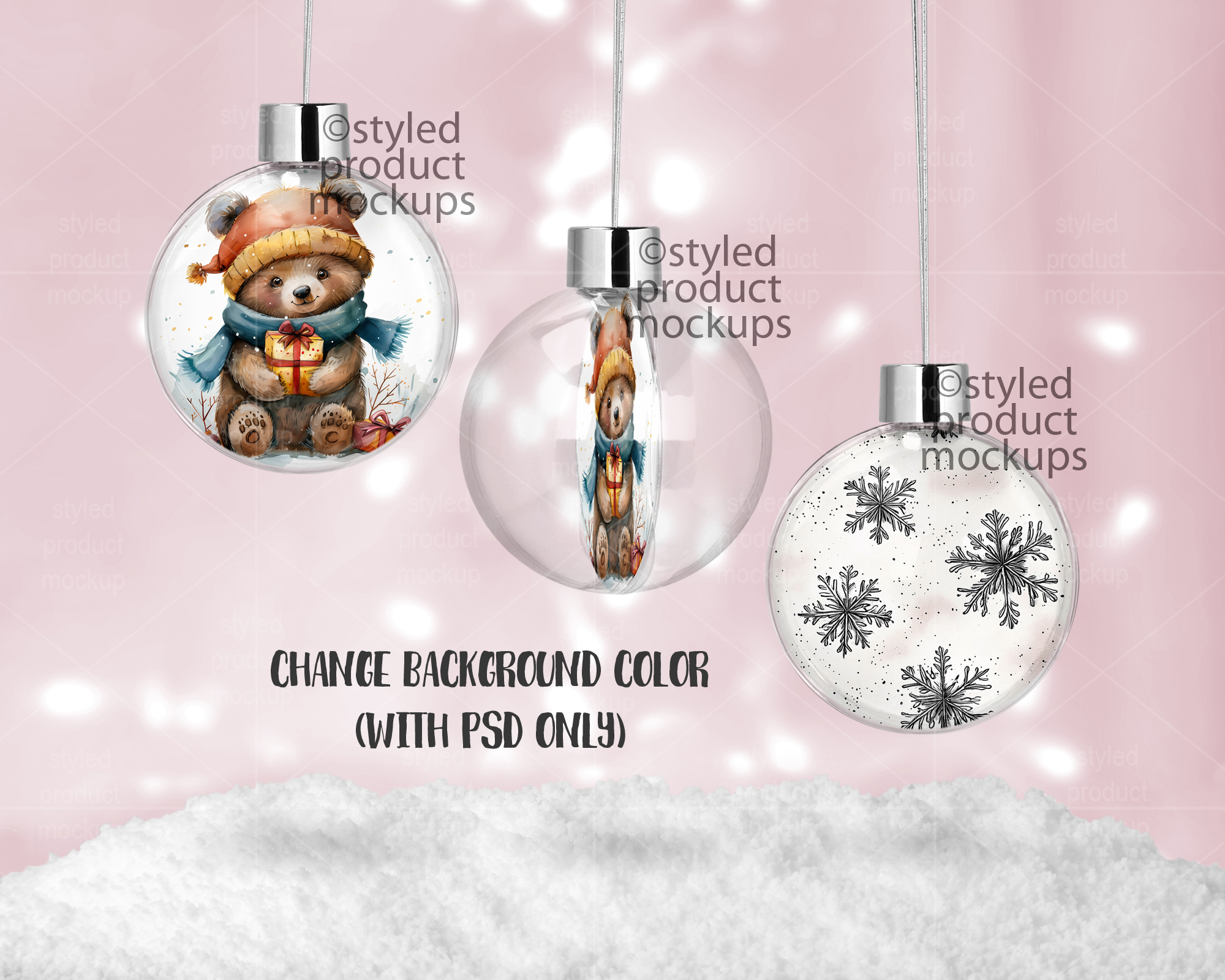
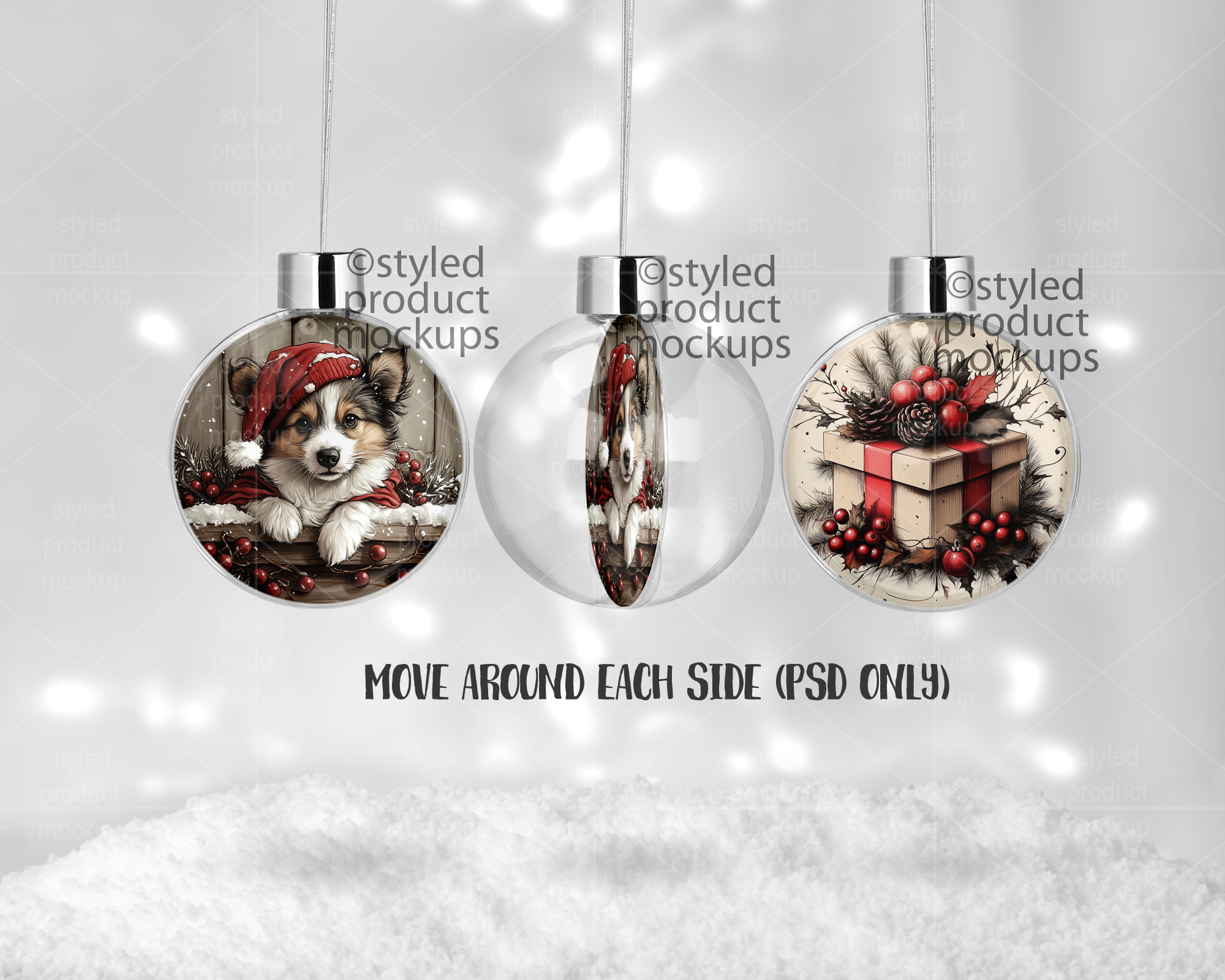
This listing is a mock-up that features the front, side and back of a double sided round floating ball ornament shown hanging with a snowy background. Give a professional touch to your floating ornament designs without the hassle of photographing each one. This styled product mockup is ready to use, simply add in your own art files and background.
Download includes the following file formats:
– Photoshop CS5+/CC .PSD file. File is set up with Smart Objects. Simply double click the layers marked in Red to paste your image in and you are done! Change the color of the bokeh background via a hue/saturation adjustment layer.
Video tutorial on using Smart Objects in Photoshop CS5+/CC: https://youtu.be/Om-9TjxpplY
– PS Elements file. Paste your image into the layers titled “place your image here”. Change the color of the bokeh background via a hue/saturation adjustment layer.
– PNG files for all other programs which have a transparent window cut out of the image area on a white bokeh background (shown in the first image) or a plain white background. Note: You cannot change the background with the PNG file.
IMPORTANT – THIS LISTING DOES -NOT- INCLUDE CANVA FILES.
The templates are 2000 x 1600 pixels at 300 dpi
Key Words: Ornament mockup, ornament template, Christmas ornament, floating ball, 2 sided, mockup, template, sublimation, double sided, two sided, stock photography, plastic, snap in
**IMPORTANT ** This is a digital mockup file. This is NOT a physical item that would be printed and shipped. This is NOT a print template. This is a file that allows you to add your image in to digitally showcase your products without having to first print and photograph them yourself.
You must be logged in to post a review.


Reviews
There are no reviews yet.