Description
Bamboo Wood Baby Brush Set Mockup for Laser Engraving | Add your own image and background | Photoshop Smart Mockup | Canva Frame Mockup
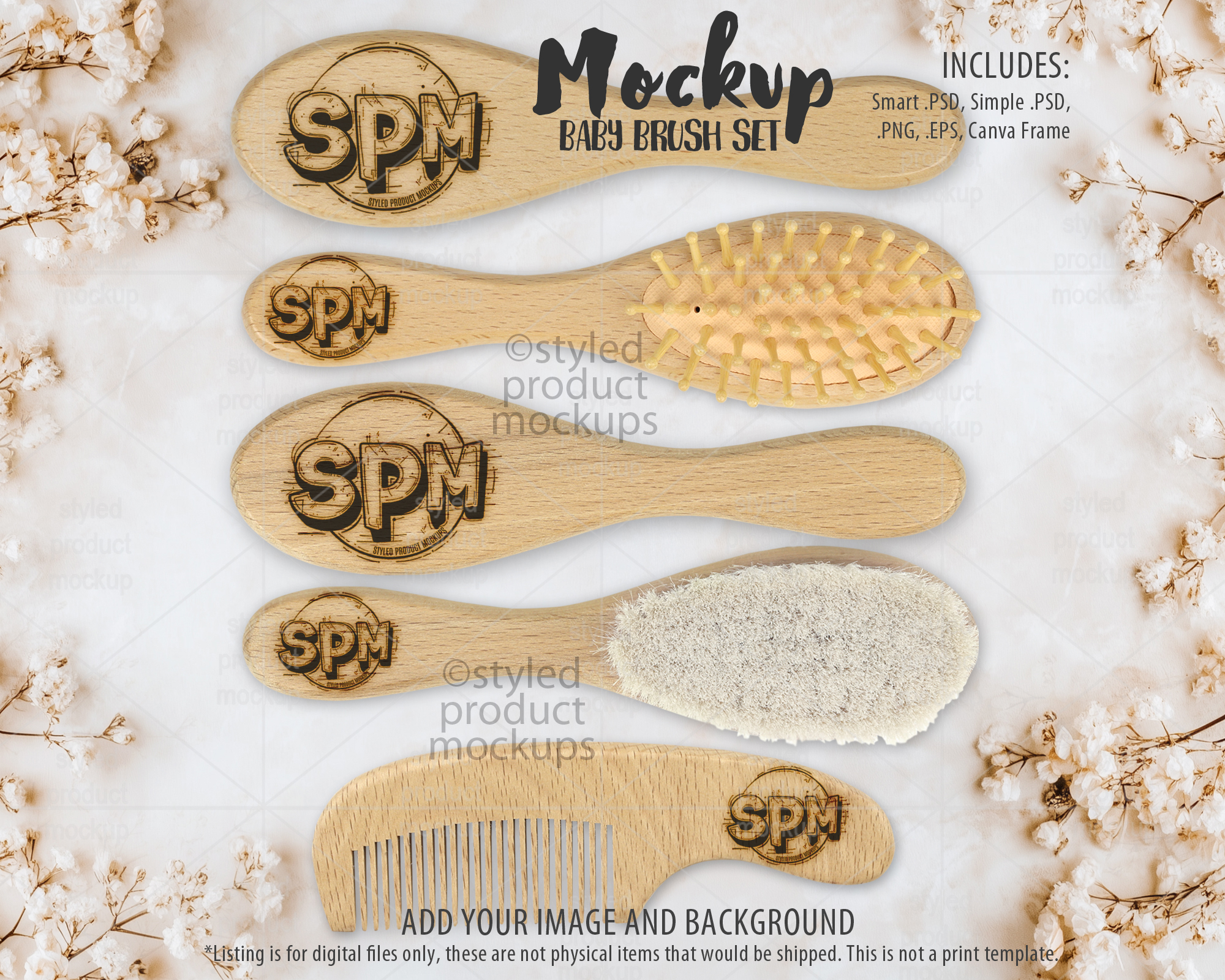
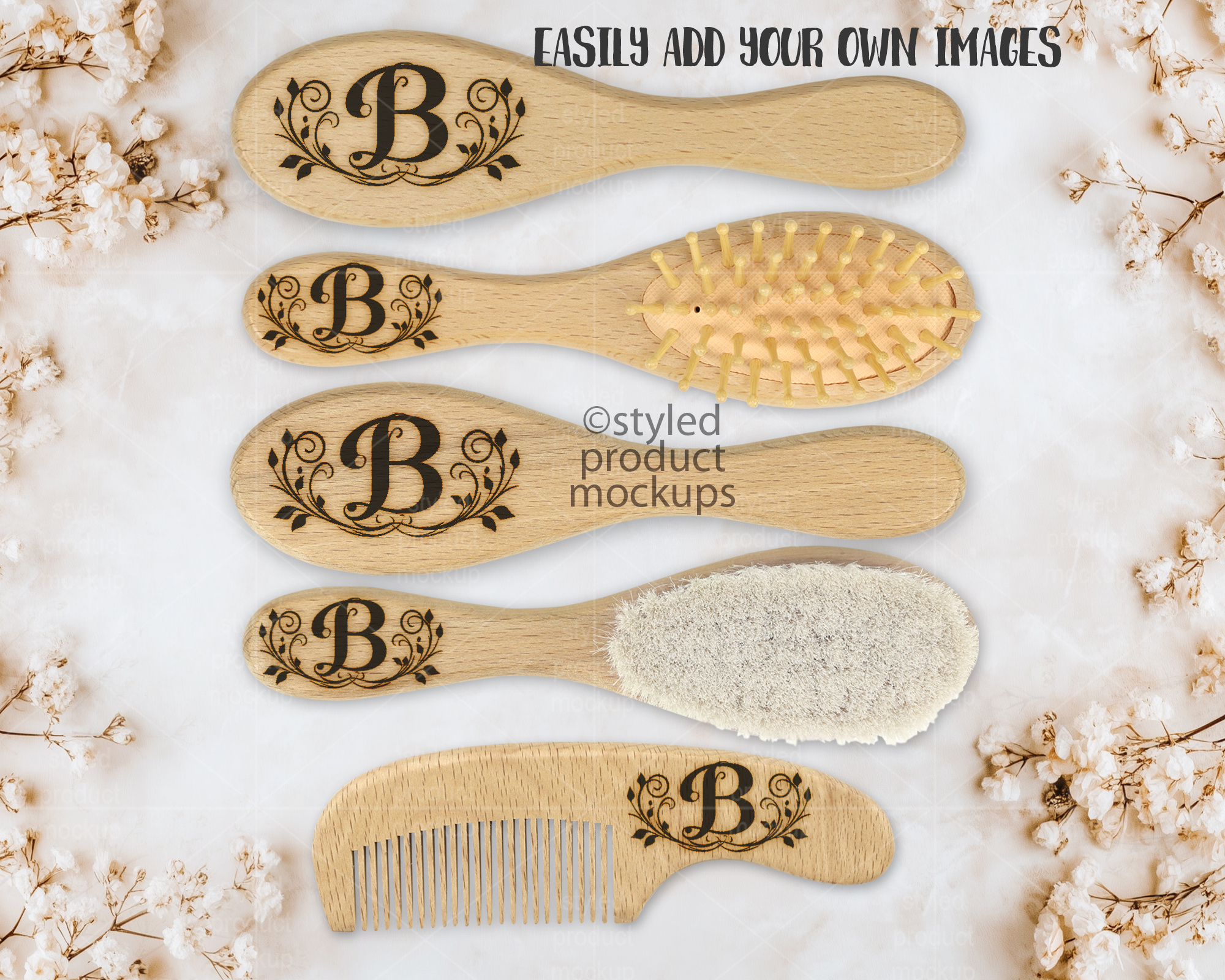
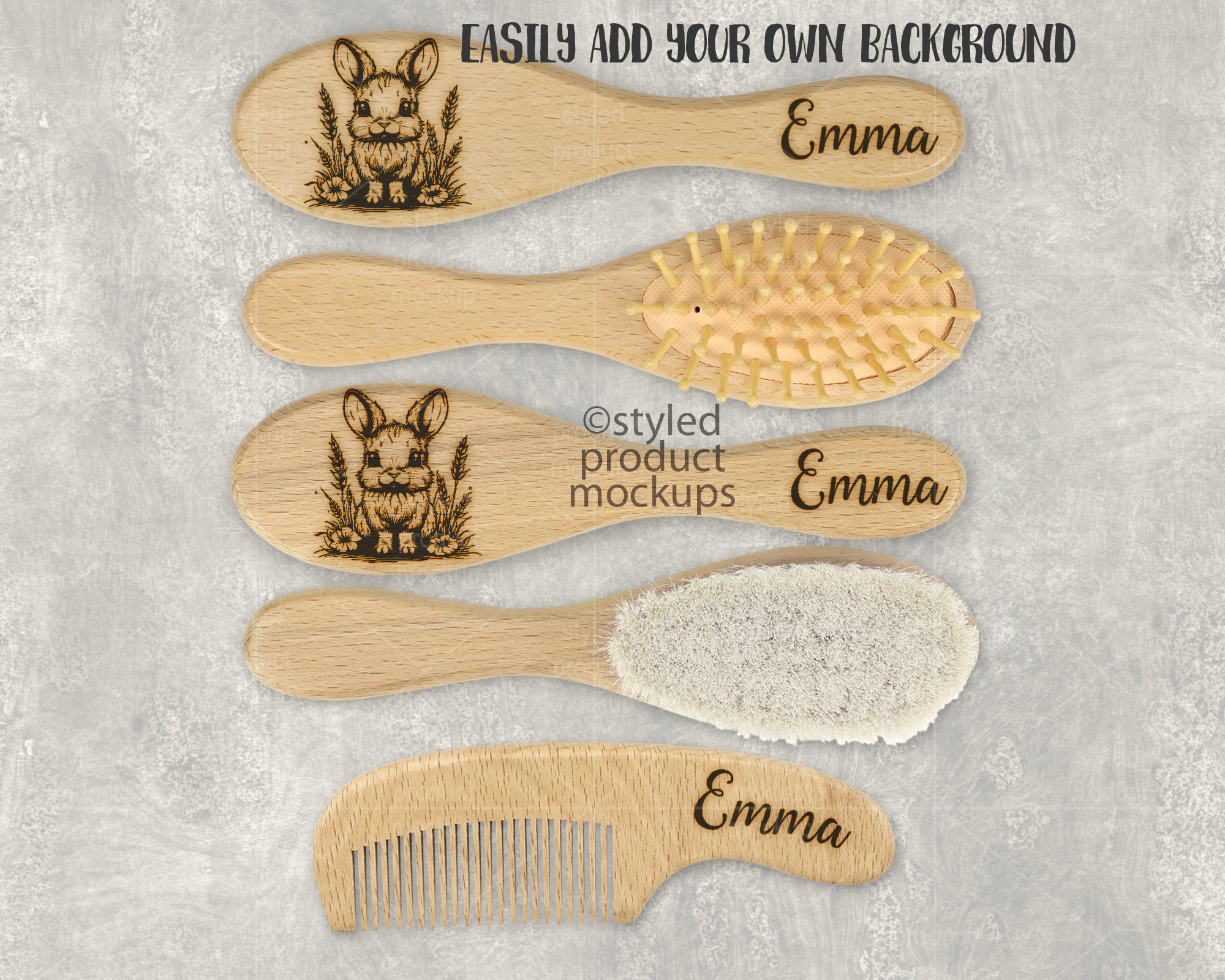
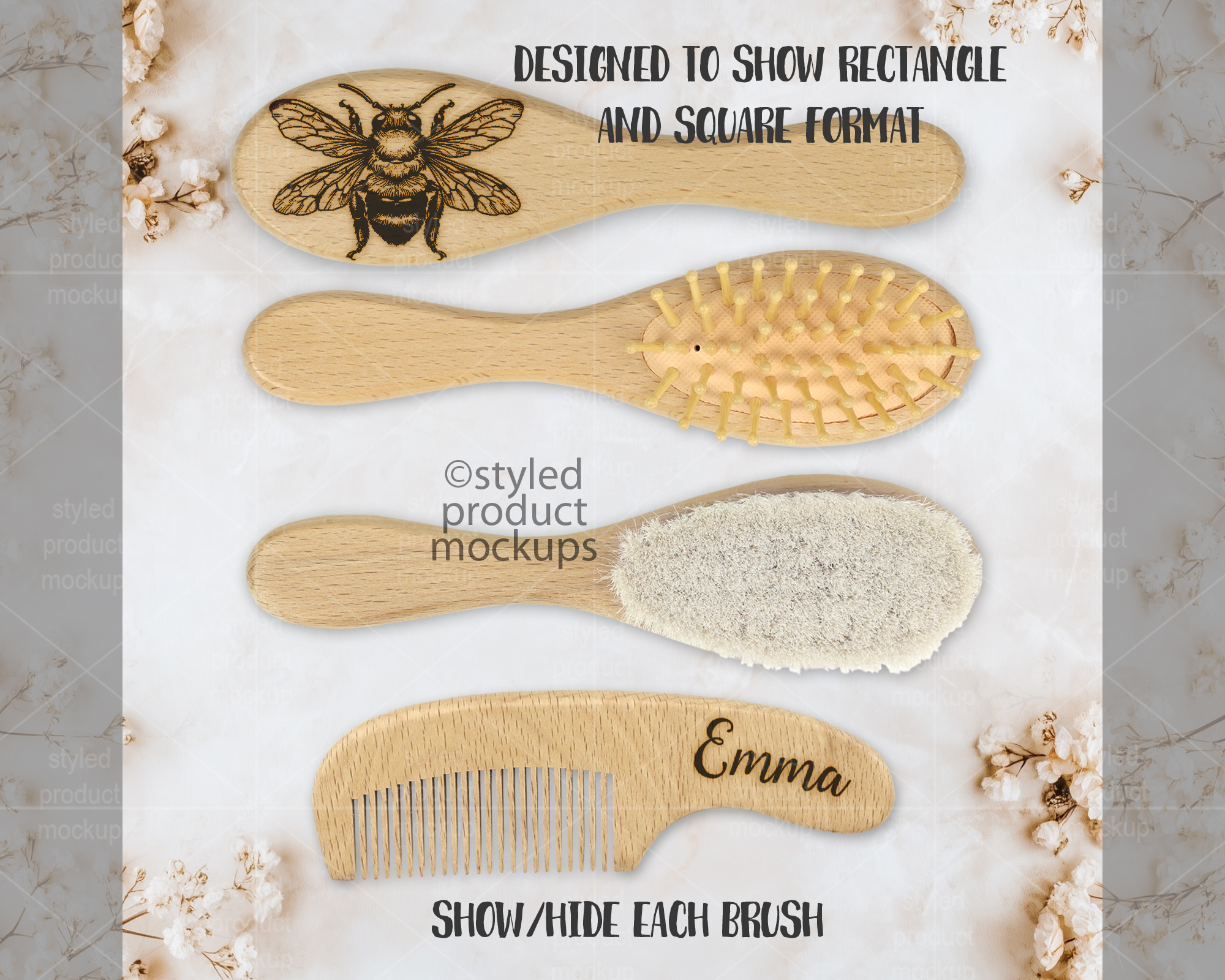
This listing is a mock-up that features a bamboo wood baby brush set. Include soft brush, hard brush and comb showing both sides of each brush. Give a professional touch to your brush set designs without the hassle of photographing each one. This styled product mockups template is ready to use, simply add in your own art files and background.
Download includes the following file formats:
– Photoshop CS5+/CC, Photopea .PSD file. File is set up with Smart Objects. Simply double click the layers marked in Red to paste your image in and you are done! Main layers are separate from background so you can add your own background in. Laser effects will be applied automatically to your image.
– Simplified .PSD for use in Elements or Affinity Photo. Simply place your image into the layer that says “Place Image Here”, then resize and adjust to fit the image area’s clipping mask. Main layers are separate from background so you can add your own background in. Laser effects will not be automatically applied to your image. You will need to manually create your own effects.
– PNG files for other programs which have the blank brushes on a transparent background Includes file with all brushes in one as well as separate file for each brush. Place your image in above the notebook. Resize and adjust to fit the image area. Laser effects will not be automatically applied to your image. You will need to manually create your own effects.
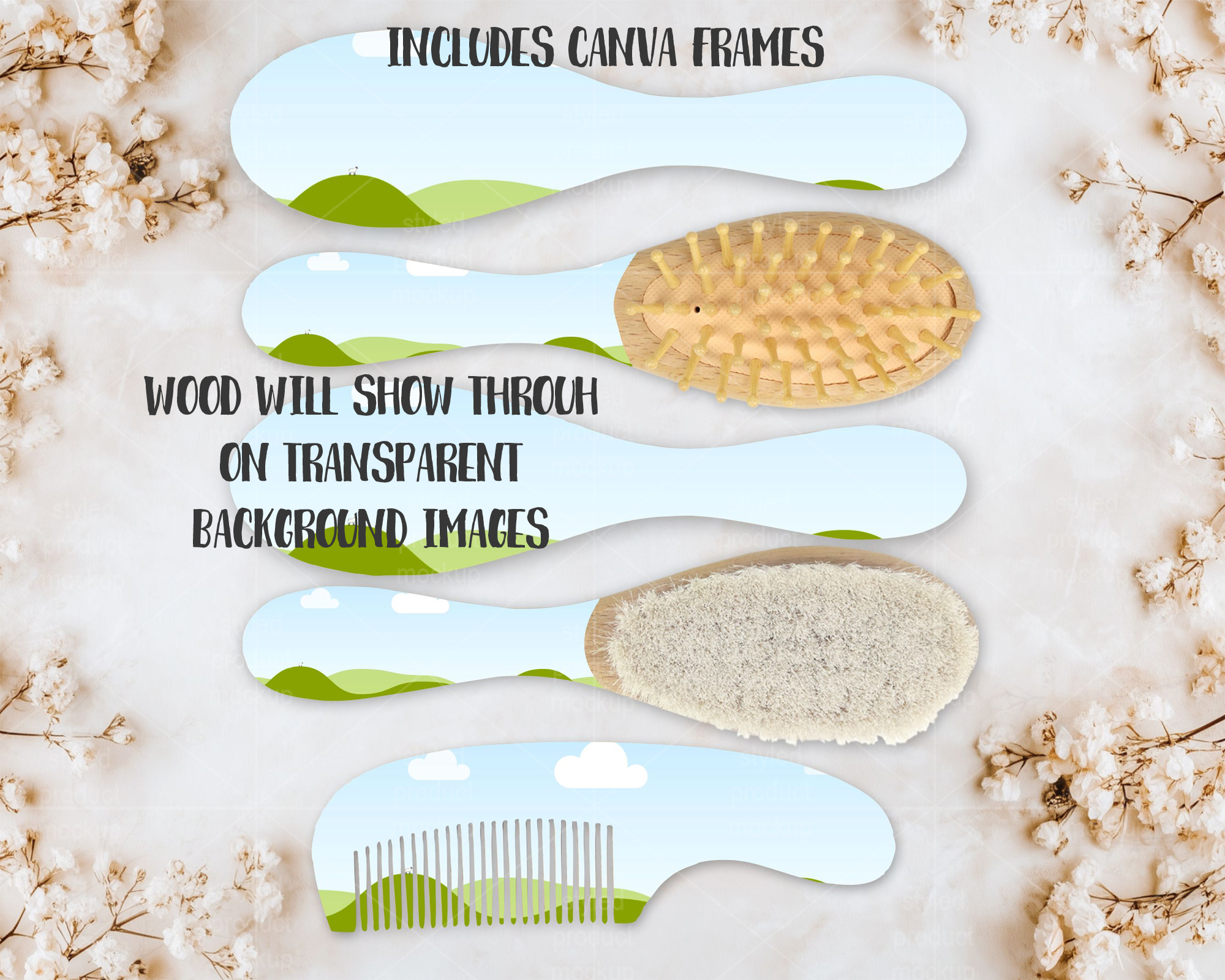
– CANVA link with frame with PNG shading overlays. Click the link in the CANVATemplate PDF and start working. You can also import the Canva frame file and drag and drop your images in. Then place in the shading and highlight PNGs above your images. You can also place your own background in. Laser effects will not be automatically applied to your image. You will need to manually create your own effects. Be sure to place in your images with a transparent background so the wood can show through.
– EPS shapes with PNG shading overlays. Open the EPS in Illustrator or Corel Draw and use the shapes to clip your image to the shape. Then place in the shading and highlight PNGs above your images. You can also place your own background in. Laser effects will not be automatically applied to your image. You will need to manually create your own effects. Be sure to place in your images with a transparent background so the wood can show through.
The templates are 2000×1600 at 300 dpi
Key Words: brush set, baby brush set, baby grooming set, bamboo, wood, laser engraved, canva mockup, mockup, photoshop mockup, PSD mockup, PNG mockup, stock photography
**IMPORTANT** This is a digital mockup file. This is NOT a physical item that would be printed and shipped. This is NOT a print template. This is a file that allows you to add your image in to digitally showcase your products without having to first print and photograph them yourself.
You must be logged in to post a review.


Reviews
There are no reviews yet.