
Description
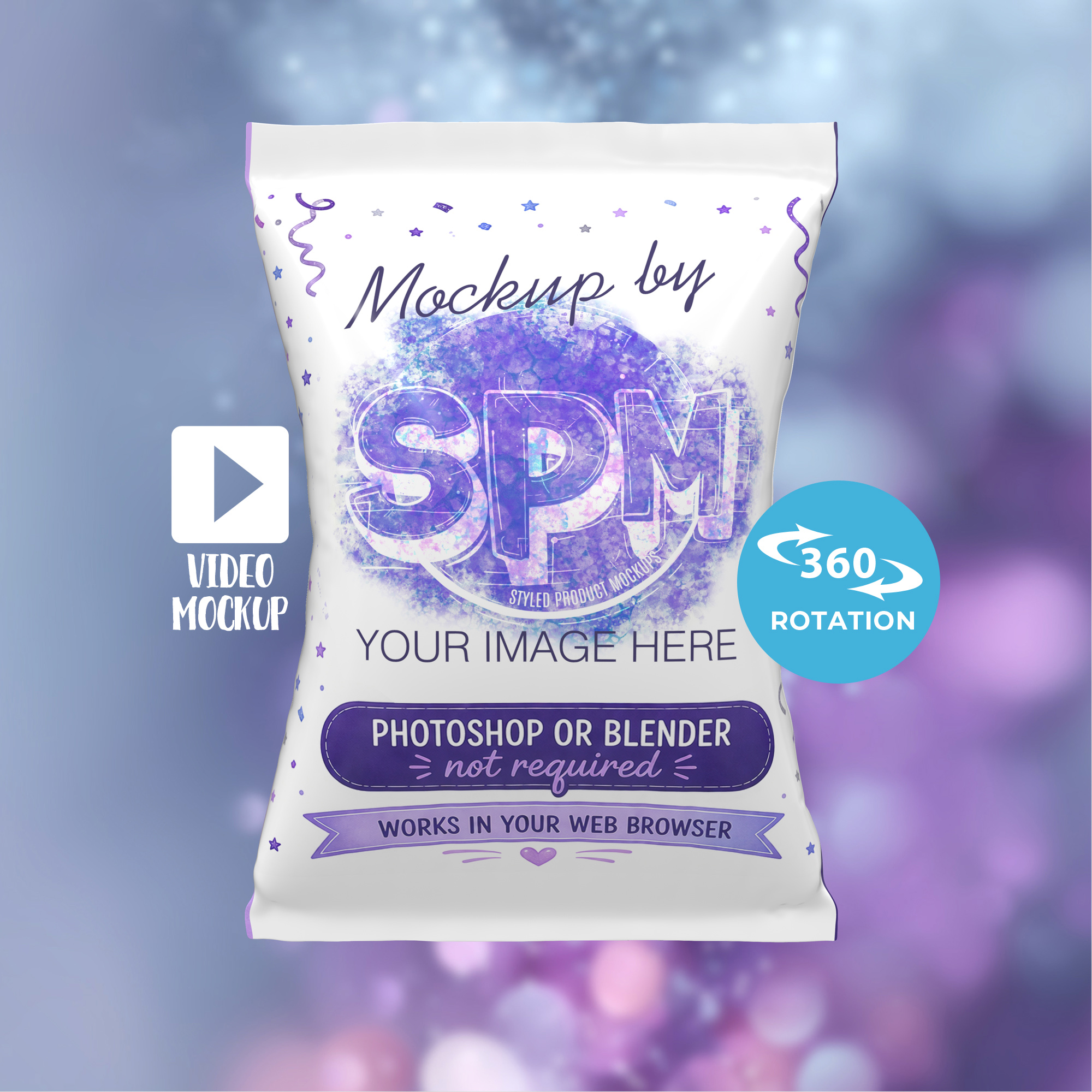
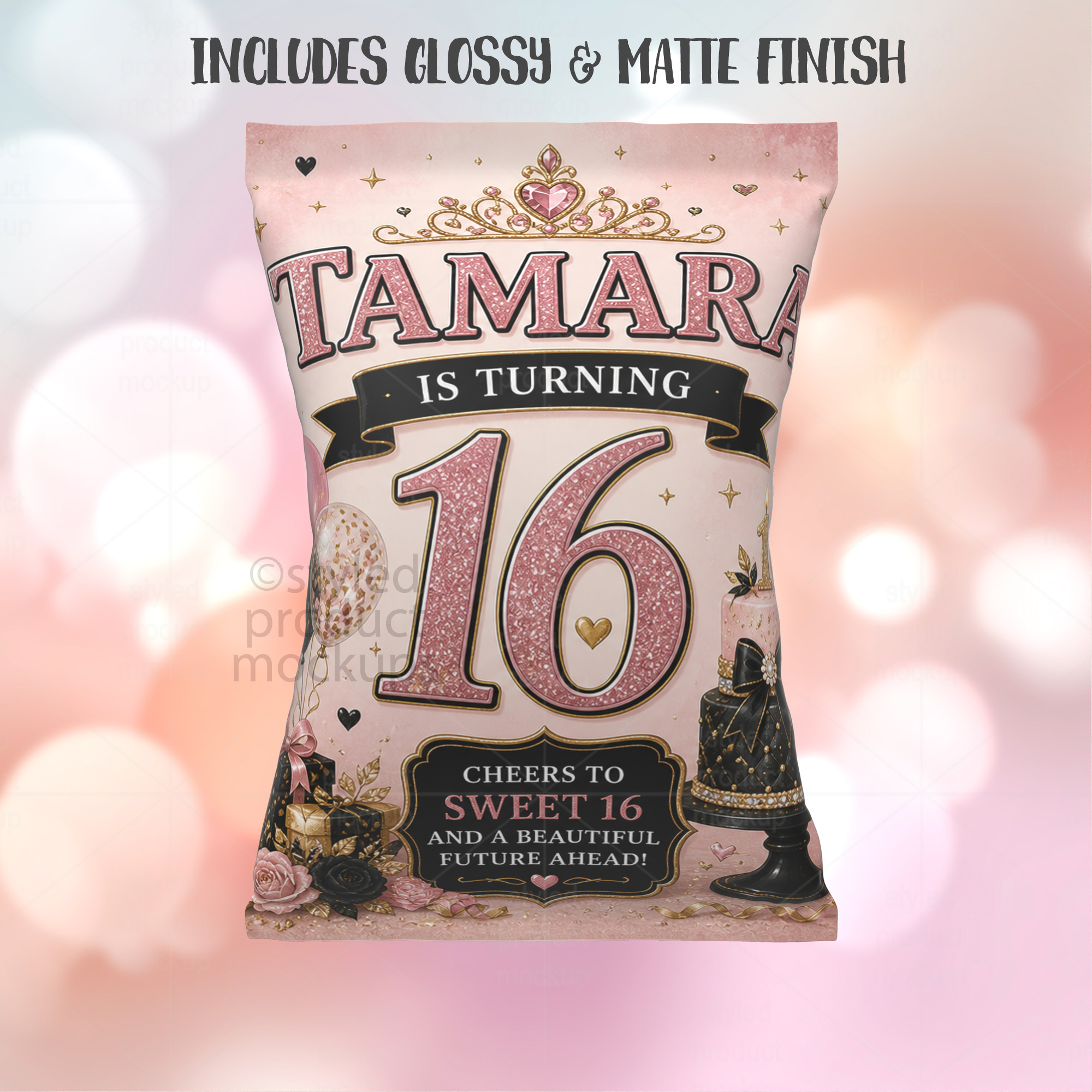
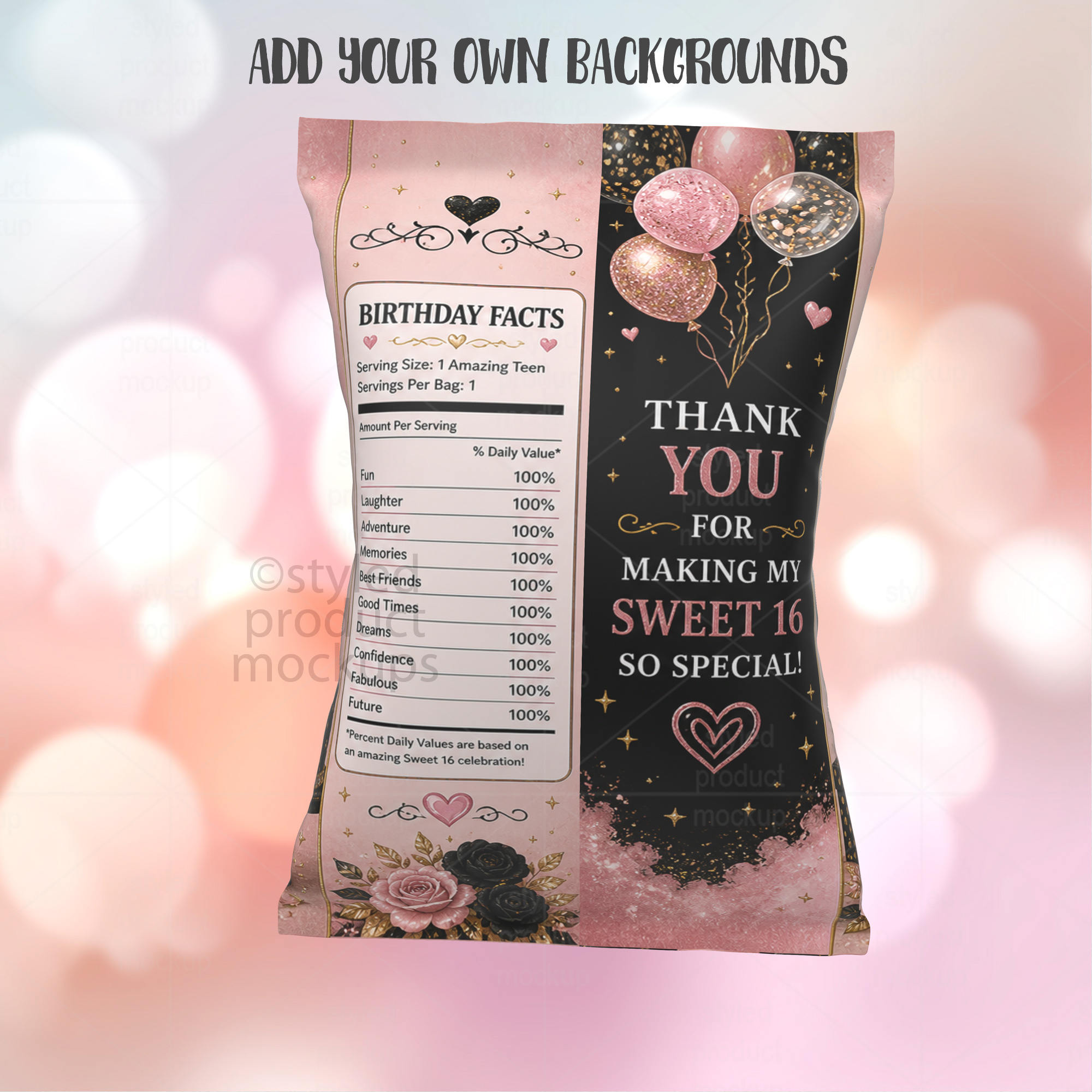
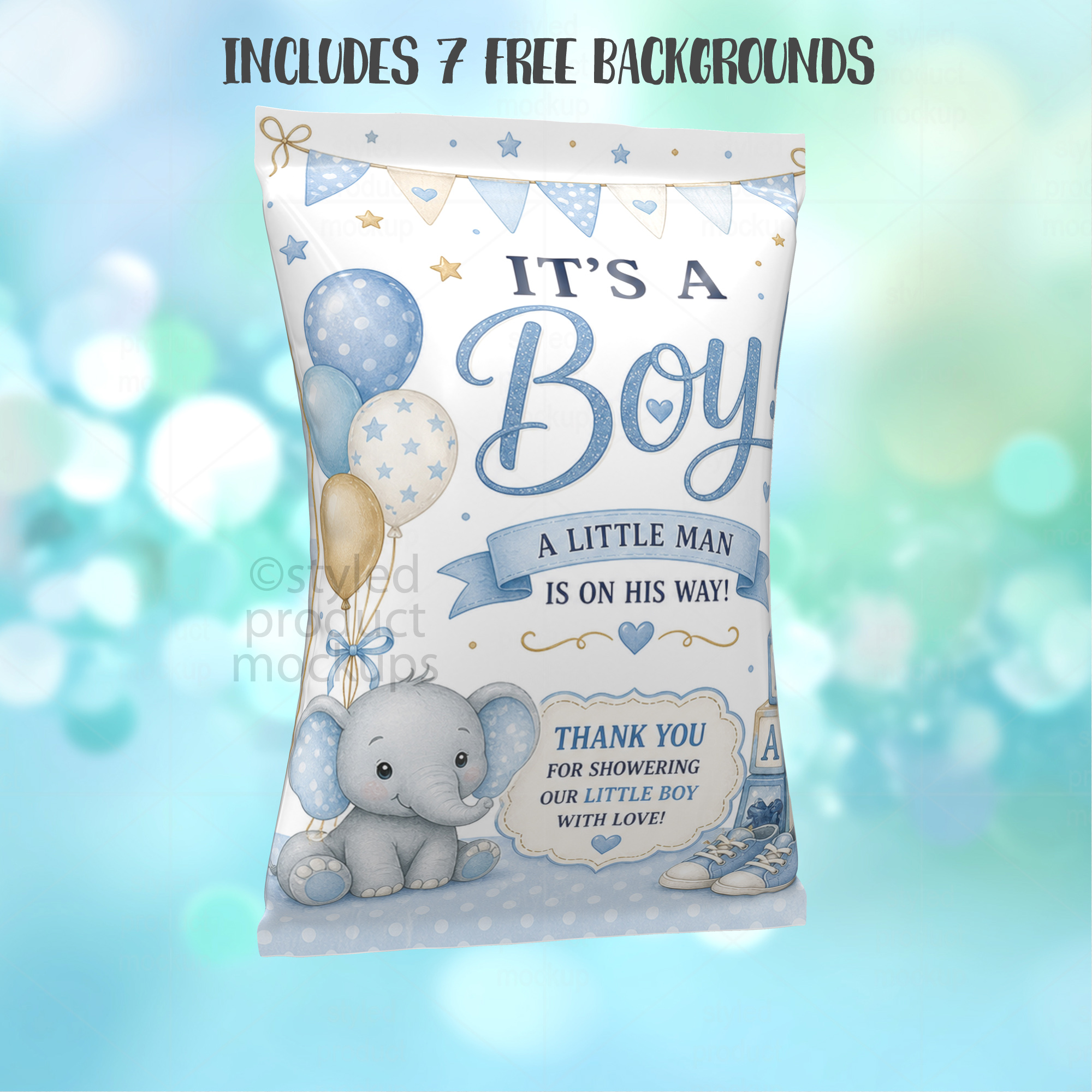
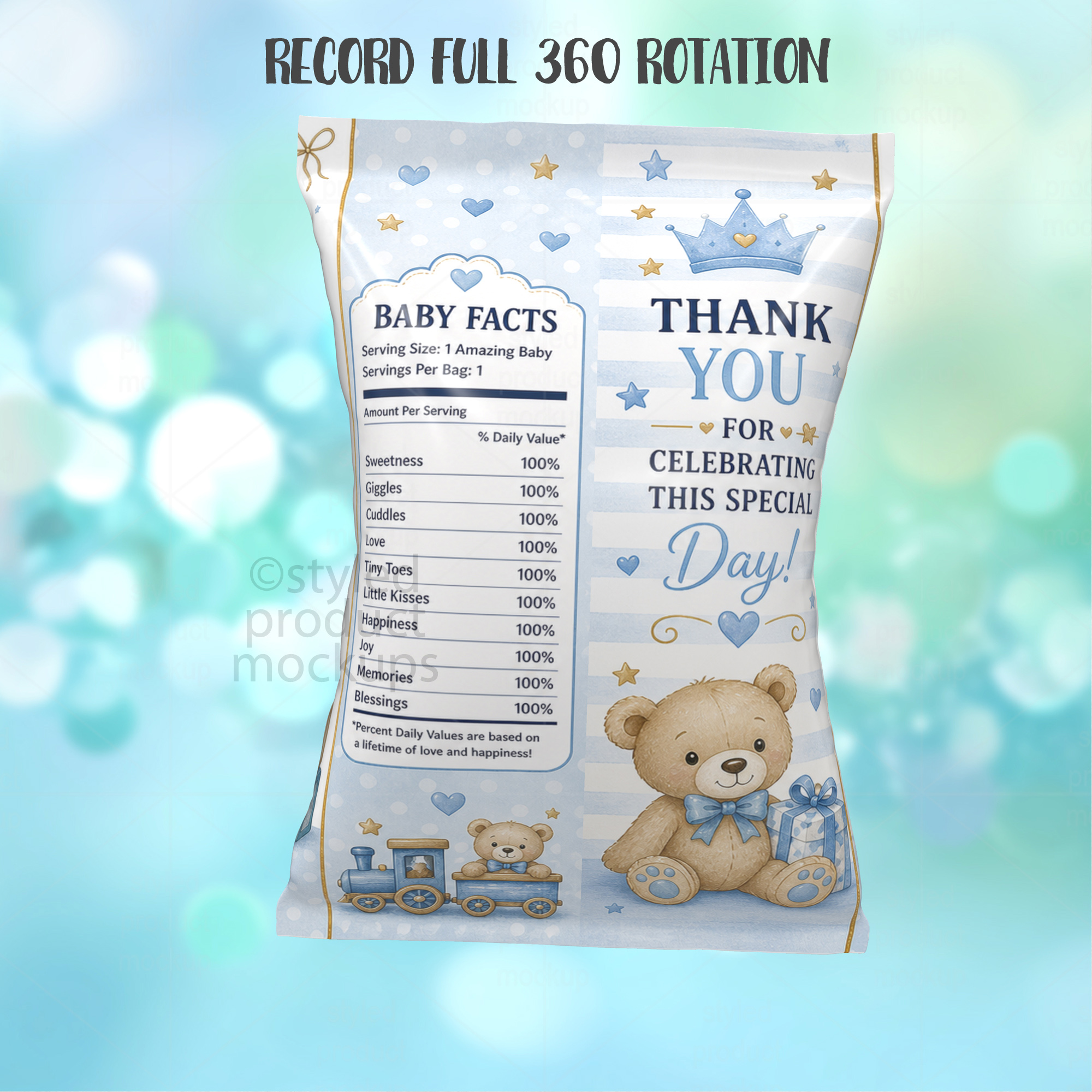
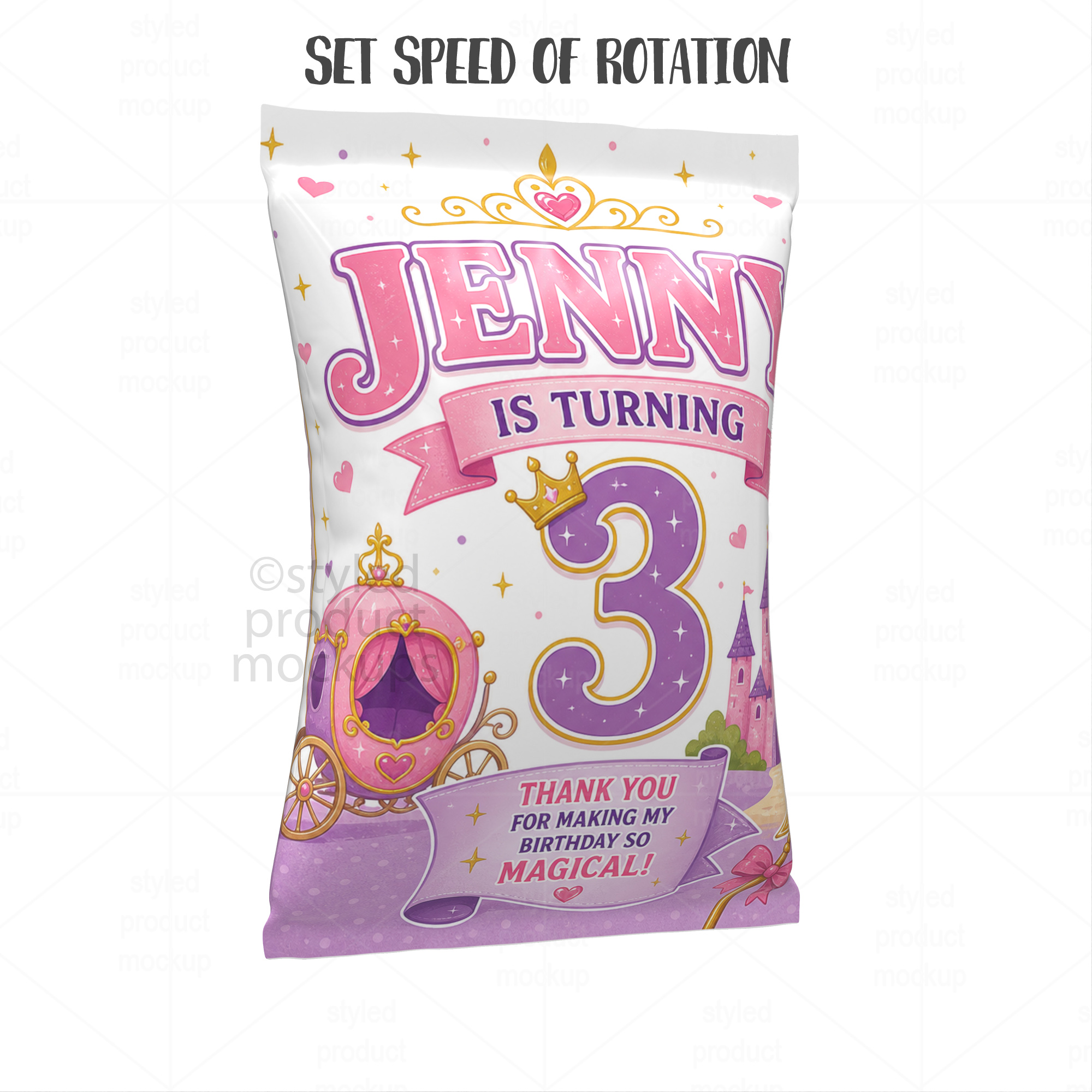
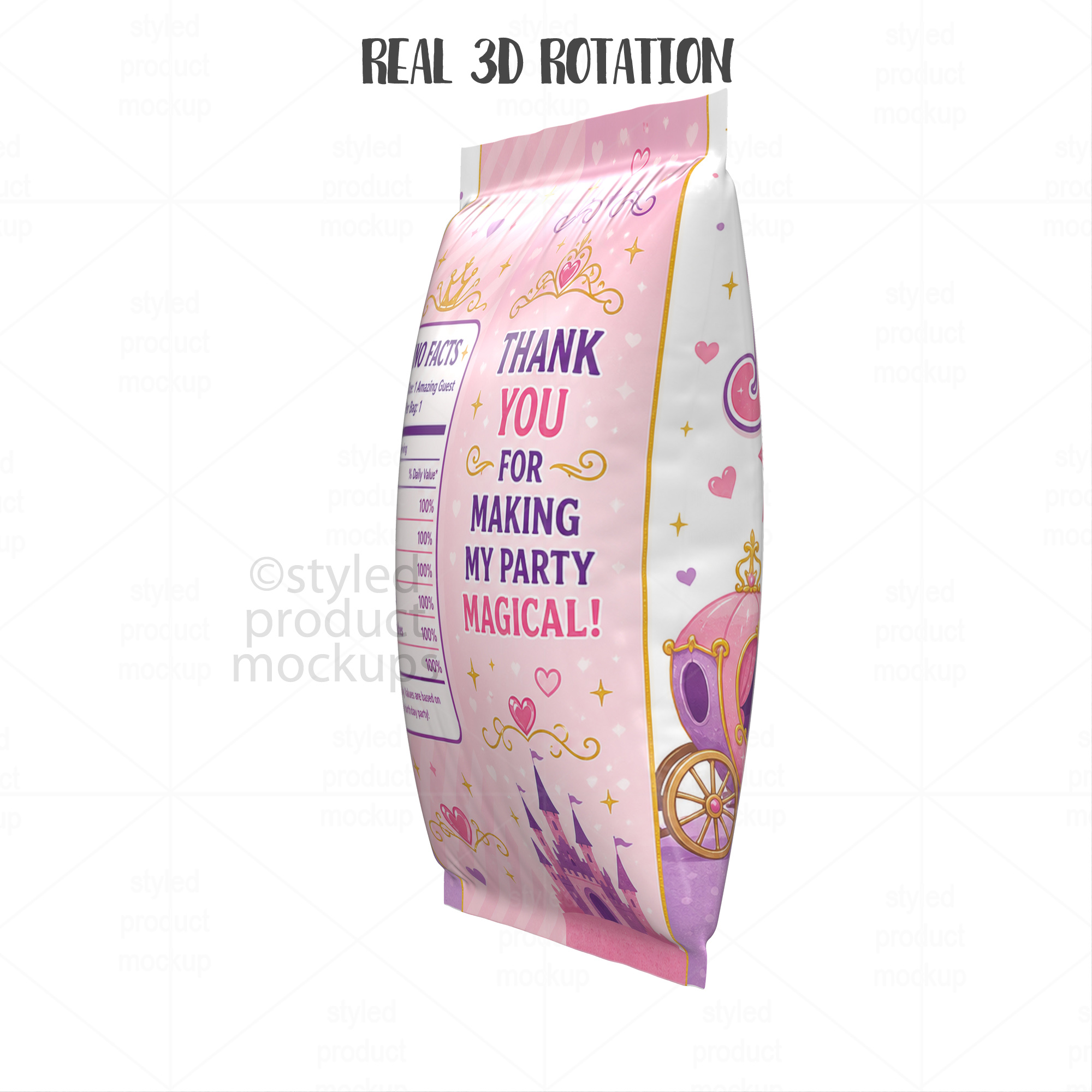
Bring your product listings to life with this animated chip bag video mockup — no design skills or expensive software required.
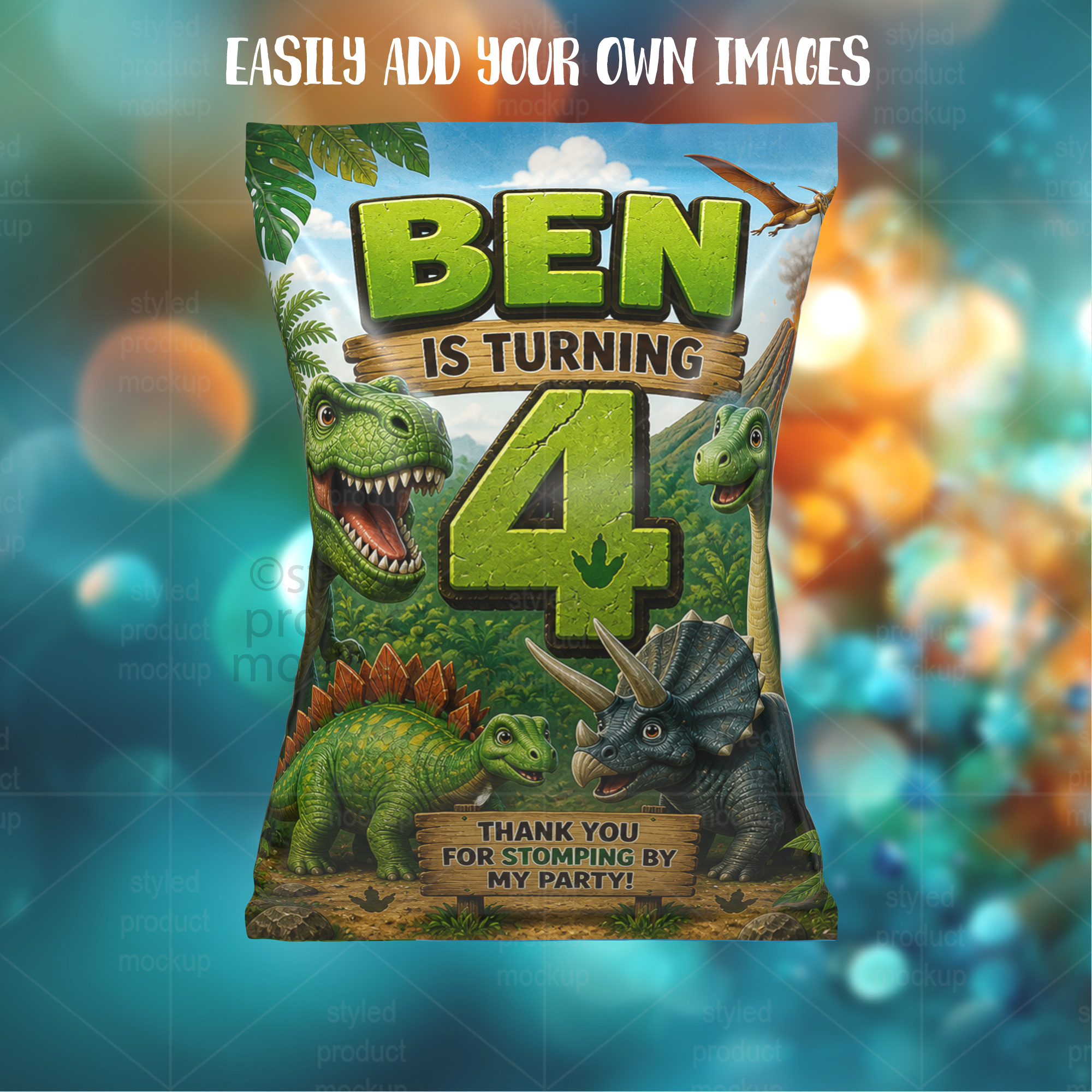
This easy-to-use browser app lets you upload your own design and background, then automatically generates a professional-quality animated video of your potato chip bag party favor in seconds.
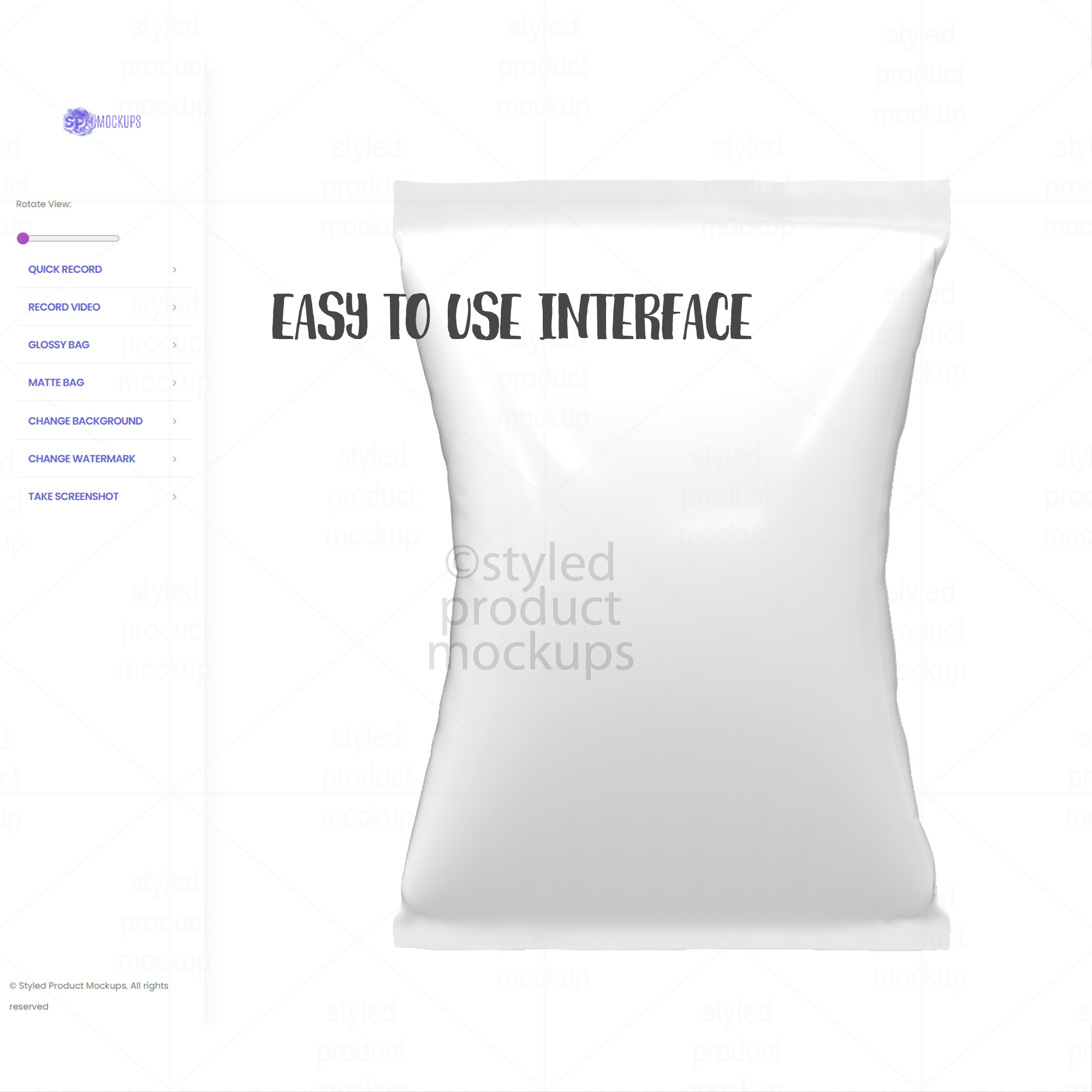
This is an online application developed by Styled Product Mockups so that you can create video mockups. Also includes the ability to take still images in high resolution.
NOTE – You may need to prep your image before placement. Make sure you remove any extra parts for the glue overlap. Download includes recommended template layout.
**PLEASE READ description below completely before purchasing. There will be no refunds on this download.**
If you are not sure if your computer meets the requirements below, please contact me for a test file.
This is a digital mockup file. This is NOT a physical item that would be printed and shipped. This is NOT a print template.
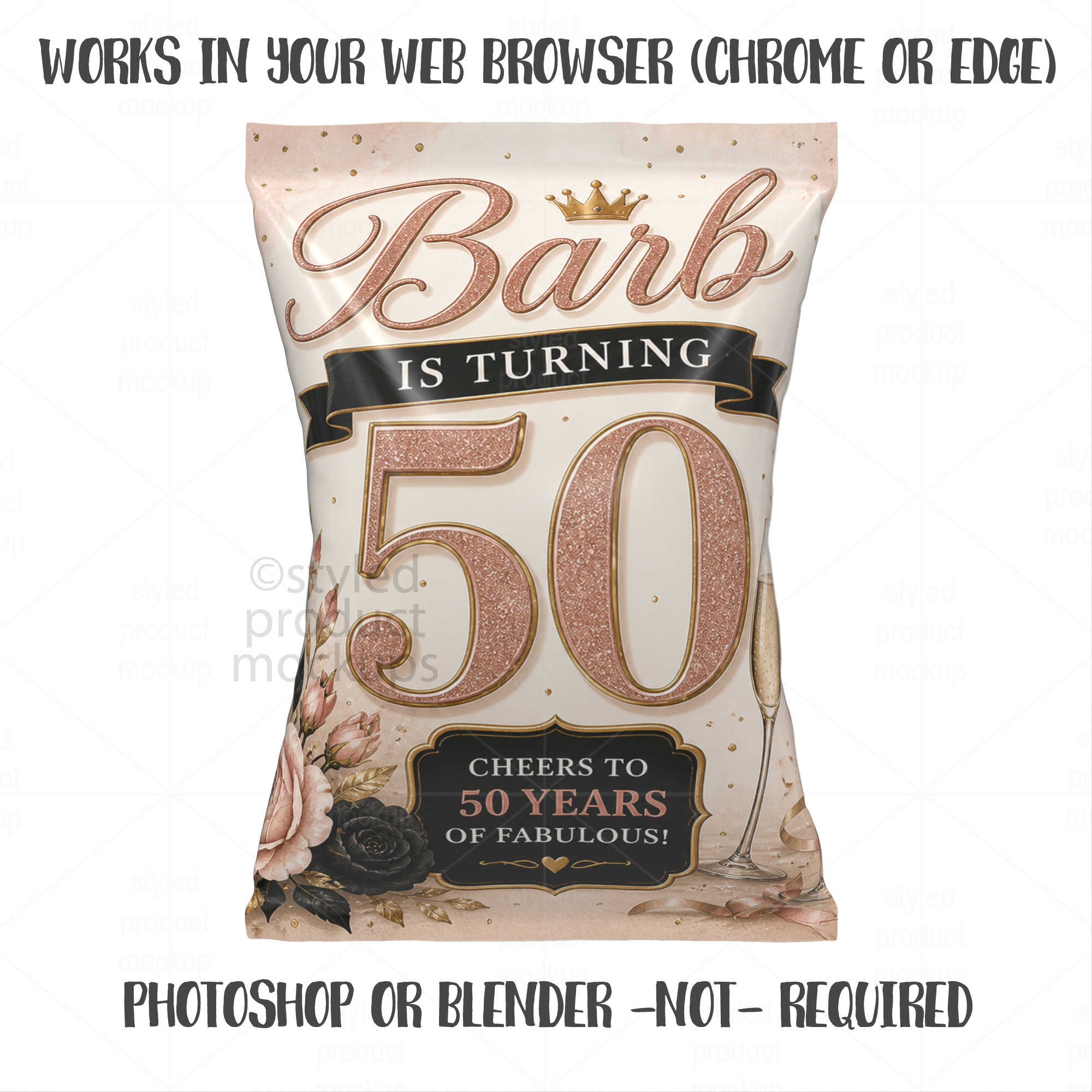
NOTE: You do NOT need Photoshop or Blender to use this mockup. It works directly in your web browser (Chrome or Edge).
~~~~~~See it in action: https://youtu.be/_0oRePX2rqA
For more backgrounds:
https://www.etsy.com/listing/4483235789/111-blurry-bokeh-backgrounds-jpg-bundle
Requirements:
– You must have a stable internet connection.
– You must have a fairly new (made within the past 3 years) desktop computer (Windows PC or Mac) with a dedicated GPU (video card). Laptops may be able to produce the video, however if you do not have a dedicated GPU or if you have a weak CPU, the resulting video *WILL* be choppy. The video quality will depend on your computer’s hardware. Contact me for a test file if you aren’t sure if your computer is compatible.
– You must have the most recent version of Google Chrome or Microsoft Edge. App will not work in Firefox or Safari.
Limitations:
– The app will NOT work on a cell phone or tablet.
– Mac users – You can create and save video, however it will not play back in QuickTime player. You will need to download another video player such as VLC media player or open the video in Chrome to play it.
– The video saved directly from the app will be ready to upload to Etsy, YouTube and Facebook. In order to upload to Shopify, Pinterest, Instagram, Twitter or TikTok, you will need run the video through a converter first. Download includes instructions on how to convert video.
– Recorded video colors may appear slightly different from main image depending on your computer.
How it works:
Upon purchase, you will receive a PDF file with instructions on how to open the application and start using it.
You can add your own images to the sign, background and watermark. After your images are in place, you can move the animation to choose which point you want to start the video from. Then, you can choose from multiple speed settings for the animation speed. Once you hit the start button the video starts recording and will continue to record until you hit the stop button. You can also turn off the background to take a still image with a transparent background (you cannot record the video with a transparent background).
Also includes a quick record button that will record one full animation at medium speed for a seamless repeating video.
Specifications:
You will be given the choice to record the video in 16:9, 4:3, square or 9:16 format.
– 16:9 format video resolution is 1920×1080 and the still images save as a 5120 x 2880 pixel PNG
– Square format video resolution is 1500×1500 and the still images save as a 4000 x 4000 pixel PNG
– 9:16 format video resolution is 1080×1920 and the still images save as a 2880 x 5120 pixel PNG
– 4:5 format video resolution is 2048×2560 and the still images save as 4096 x 5120 pixel PNG
You must be logged in to post a review.

Reviews
There are no reviews yet.