Description
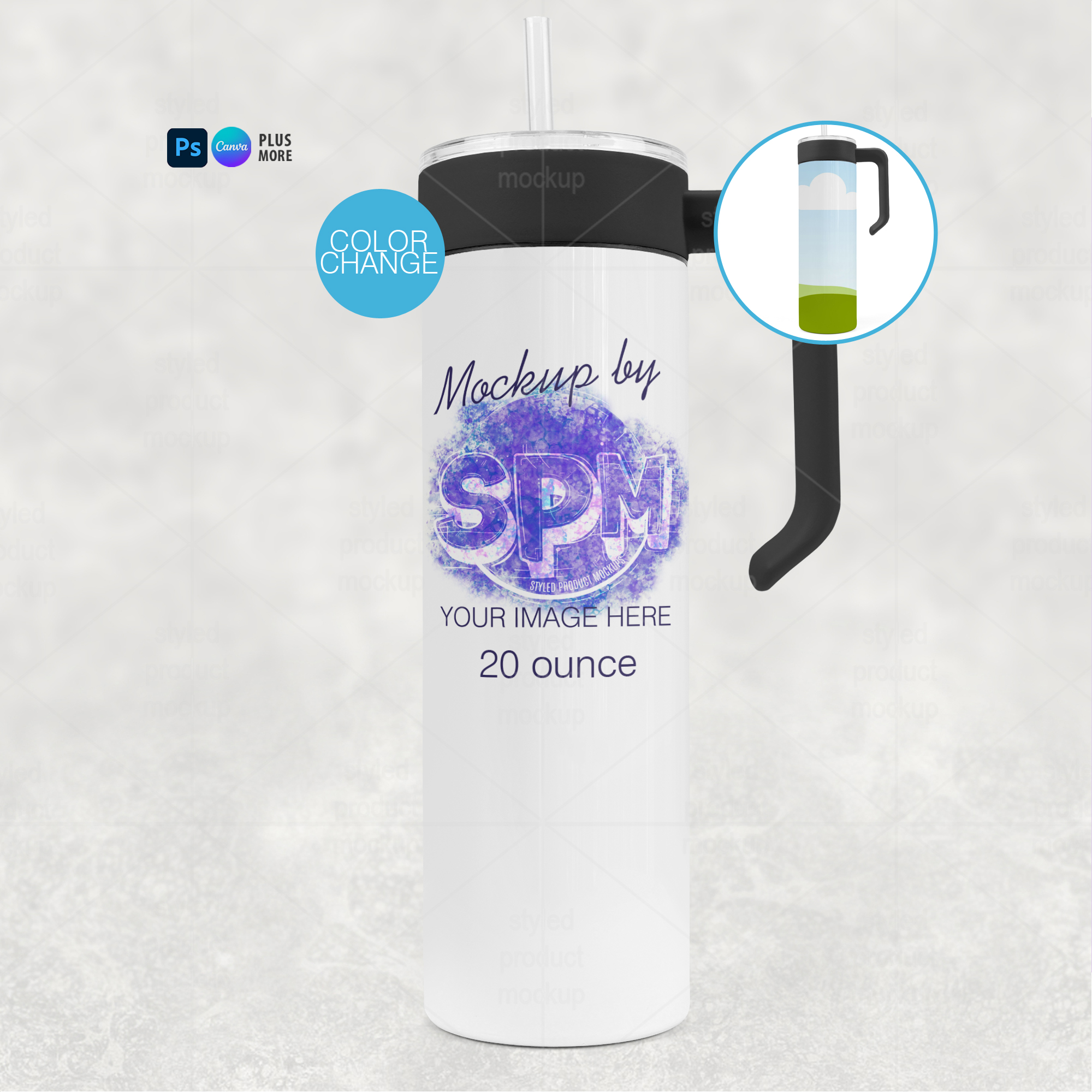
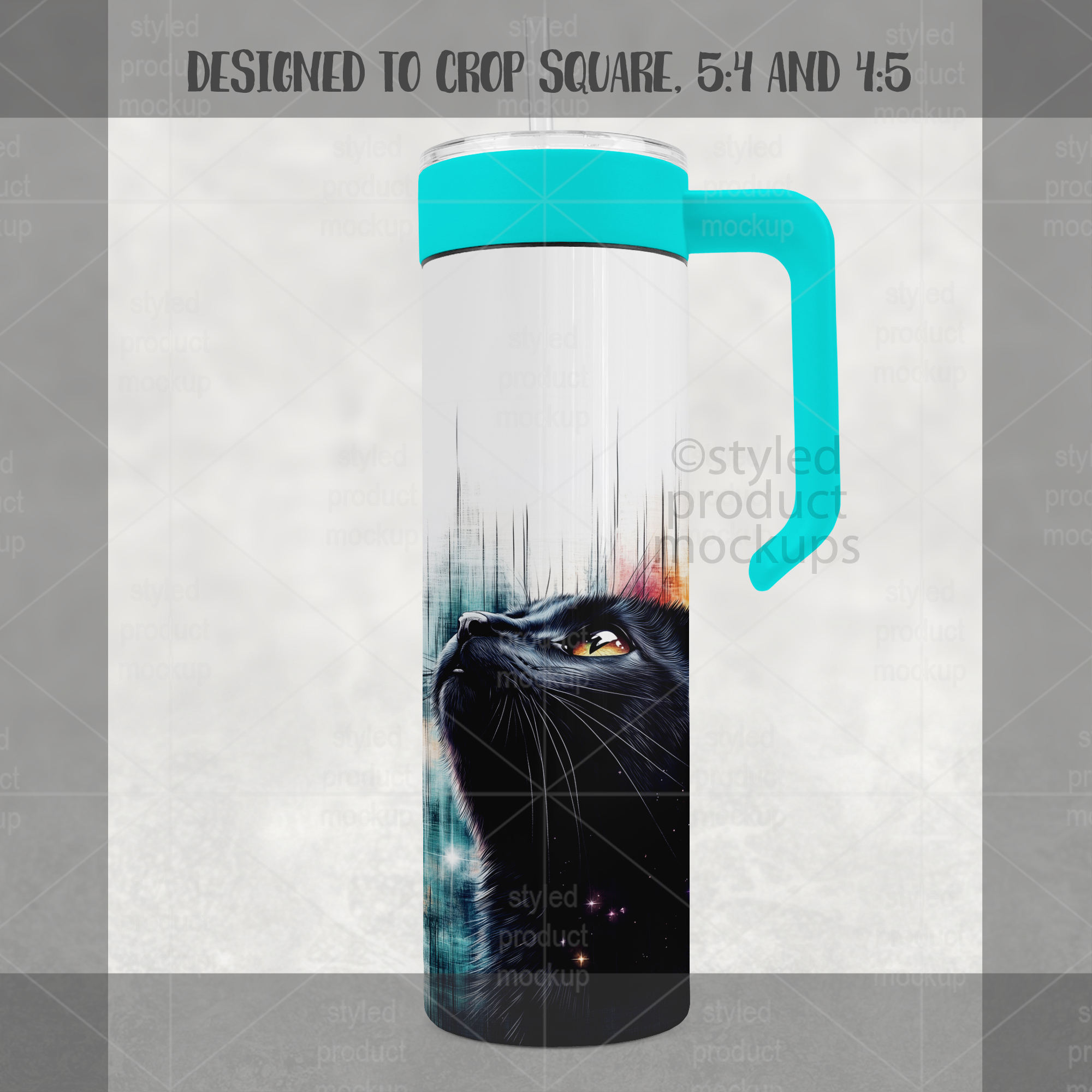
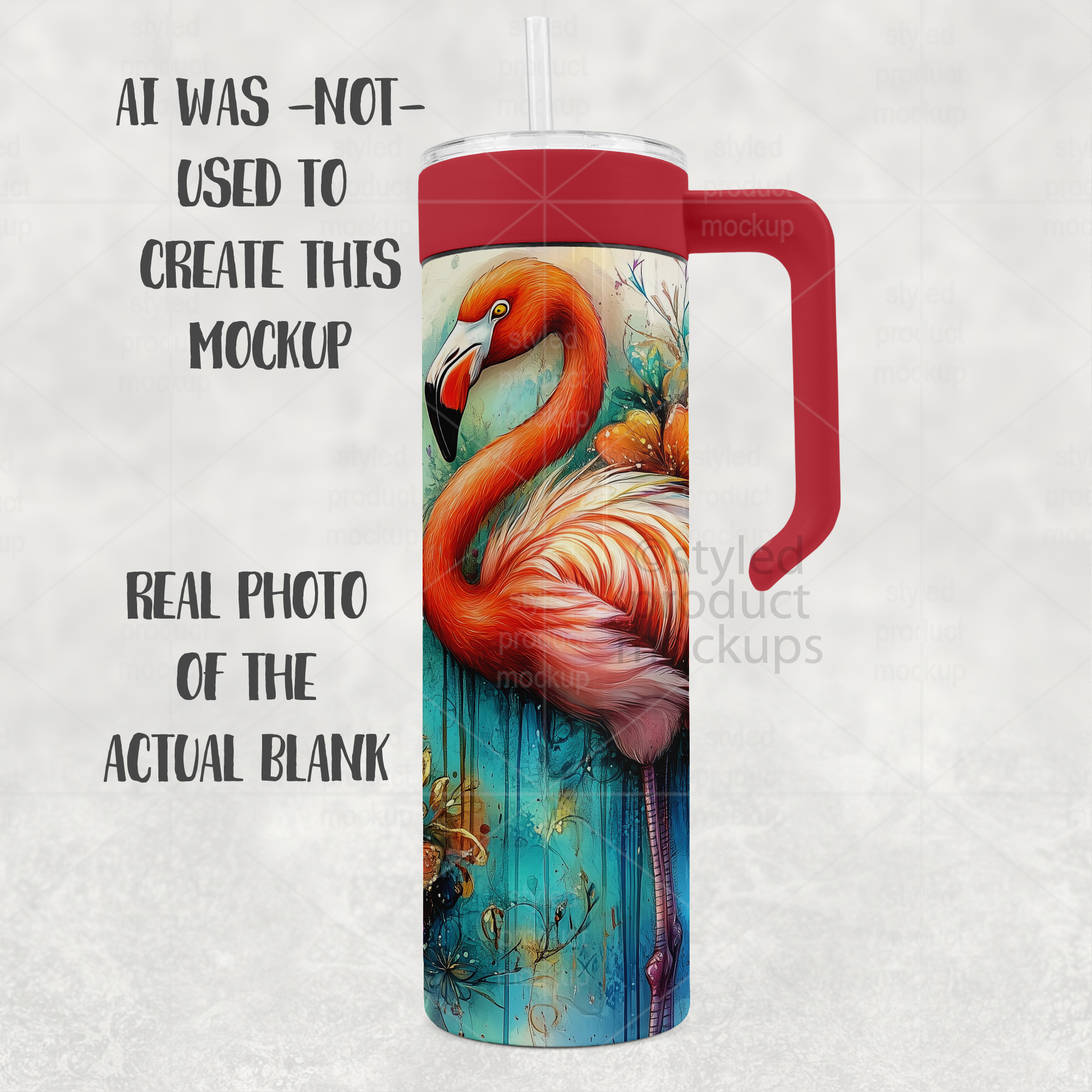
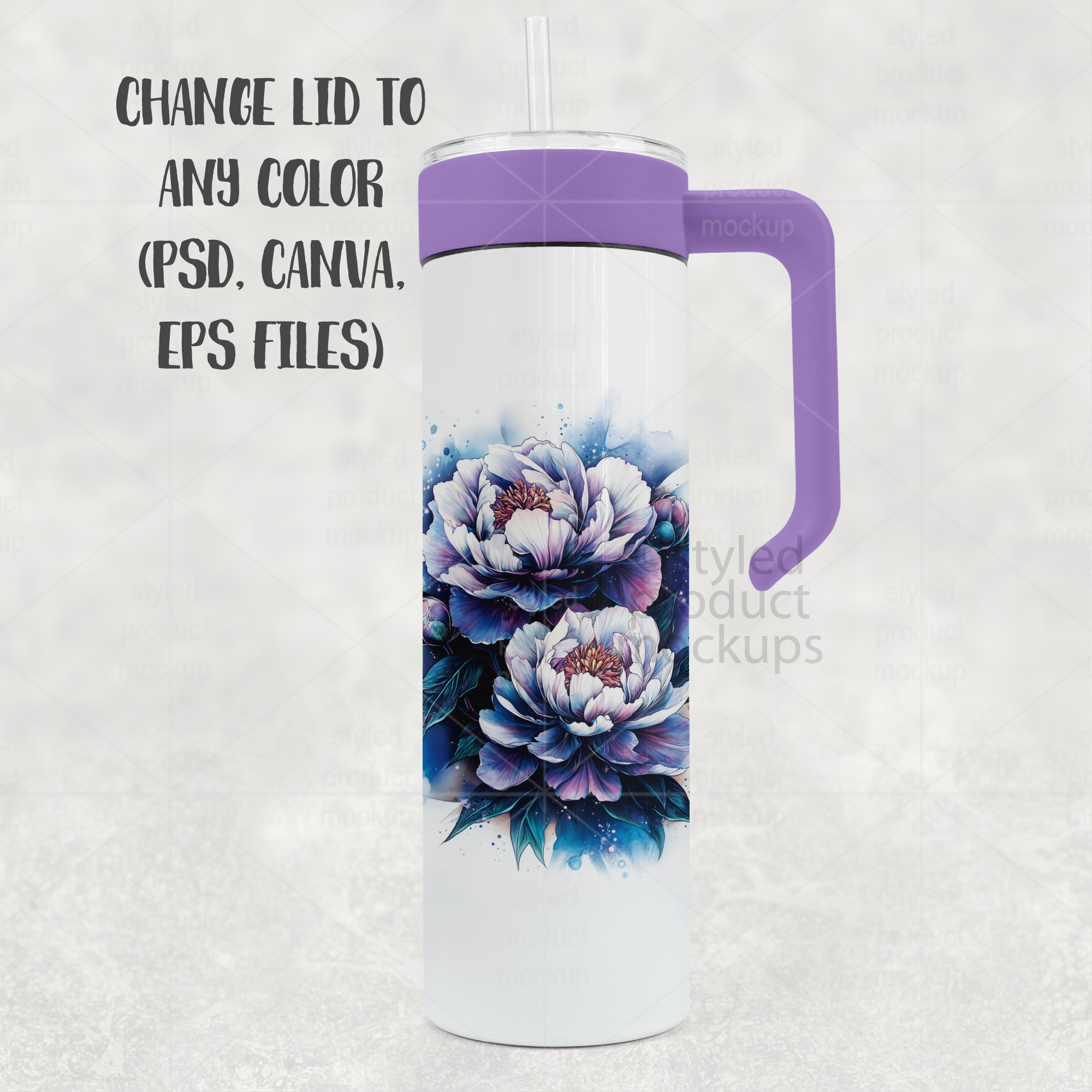
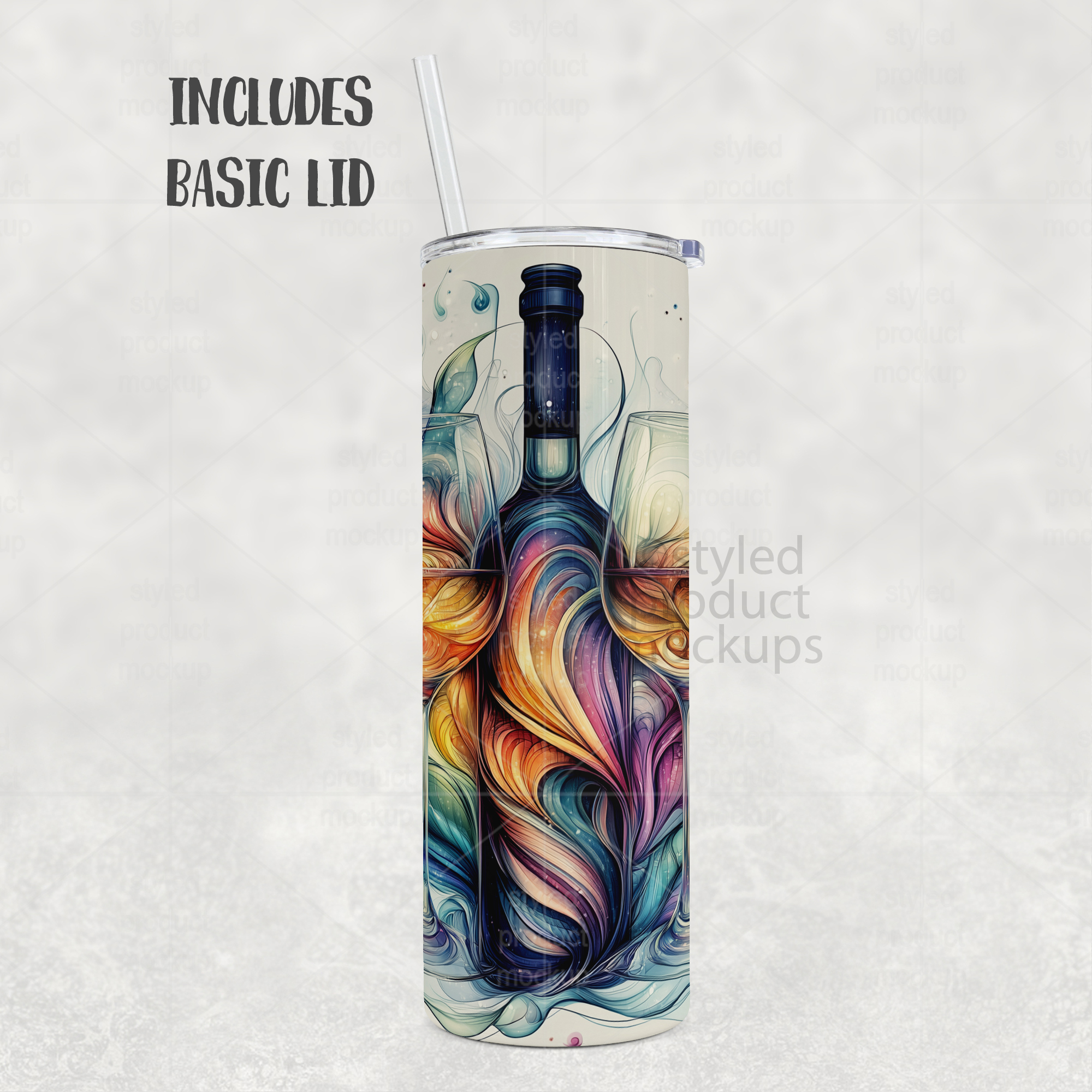
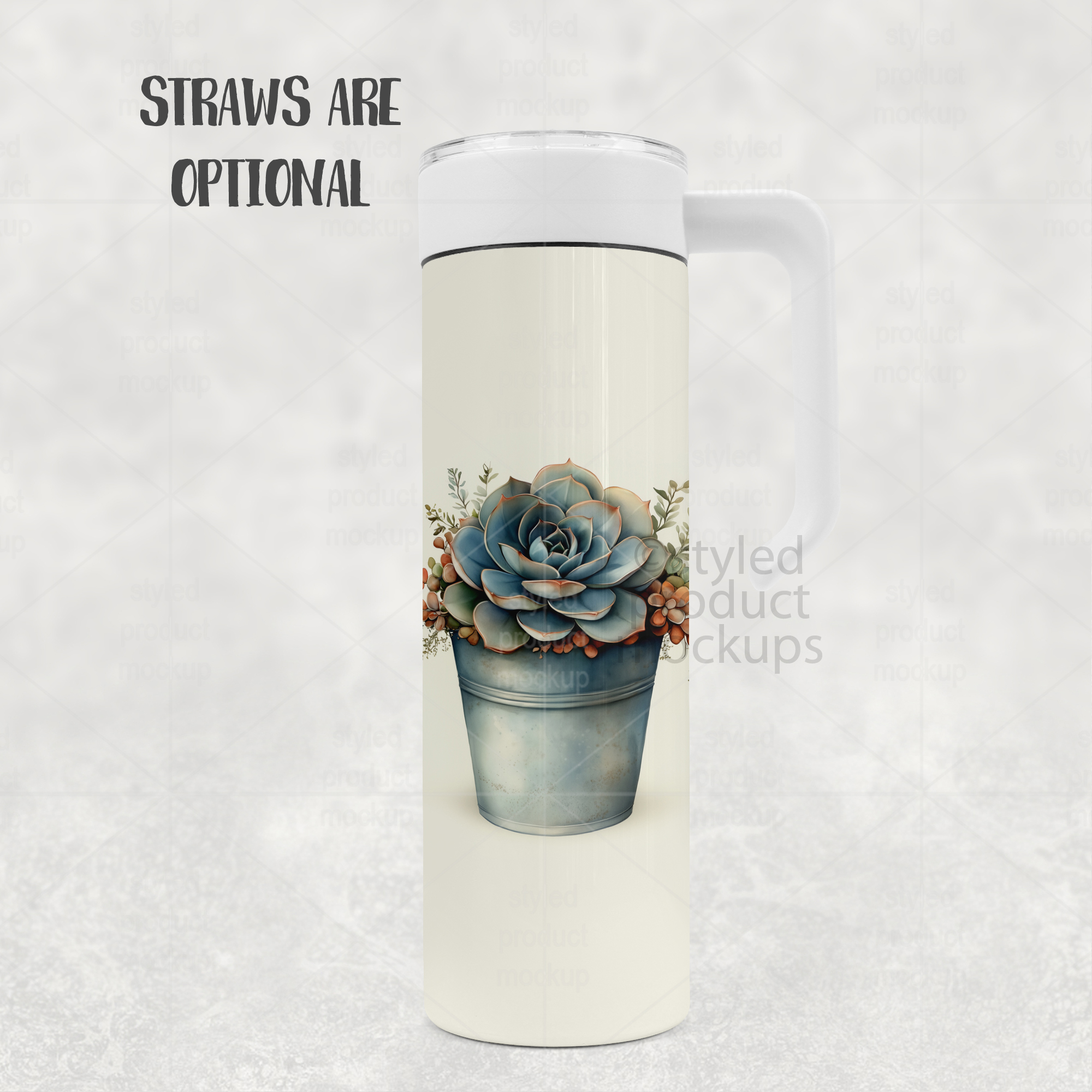
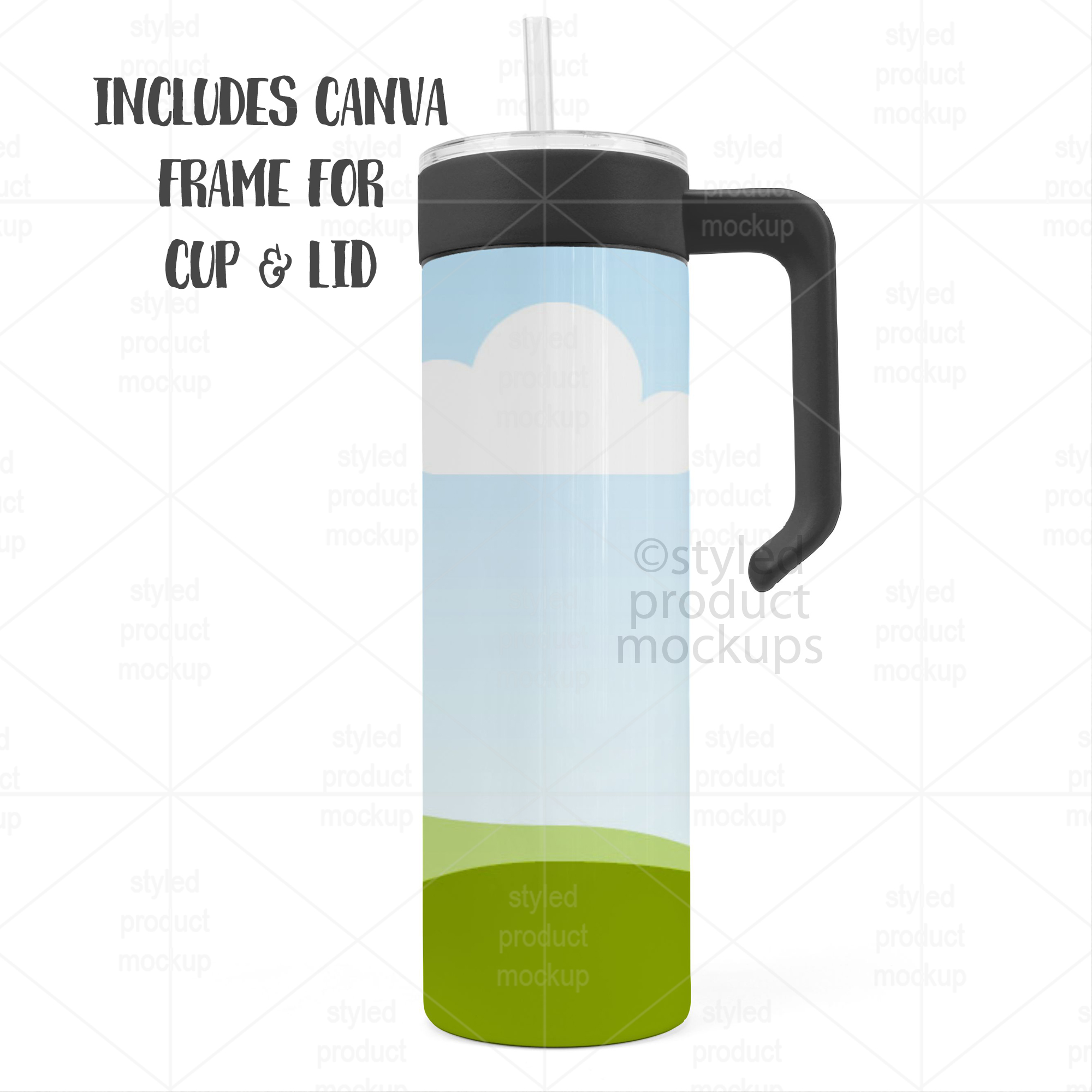
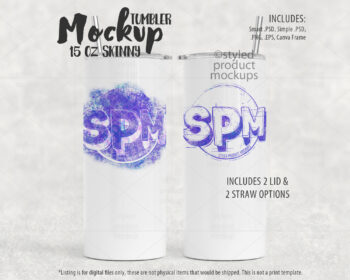
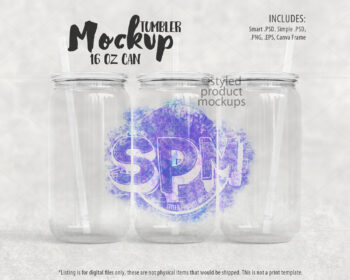
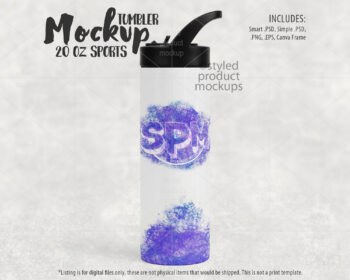
Create stunning, professional tumbler designs in minutes with this all-in-one 20oz handled tumbler mockup. Includes smart PSD, simple PSD, Canva frame link, PNG and EPS —perfect for sublimation designers, Etsy sellers, and print-on-demand shops.
This mockup is designed for ease, flexibility, and high-quality results, whether you’re showcasing your designs for listings, social media, or client presentations.
Also available at my Etsy shop:
https://www.etsy.com/listing/4482181606
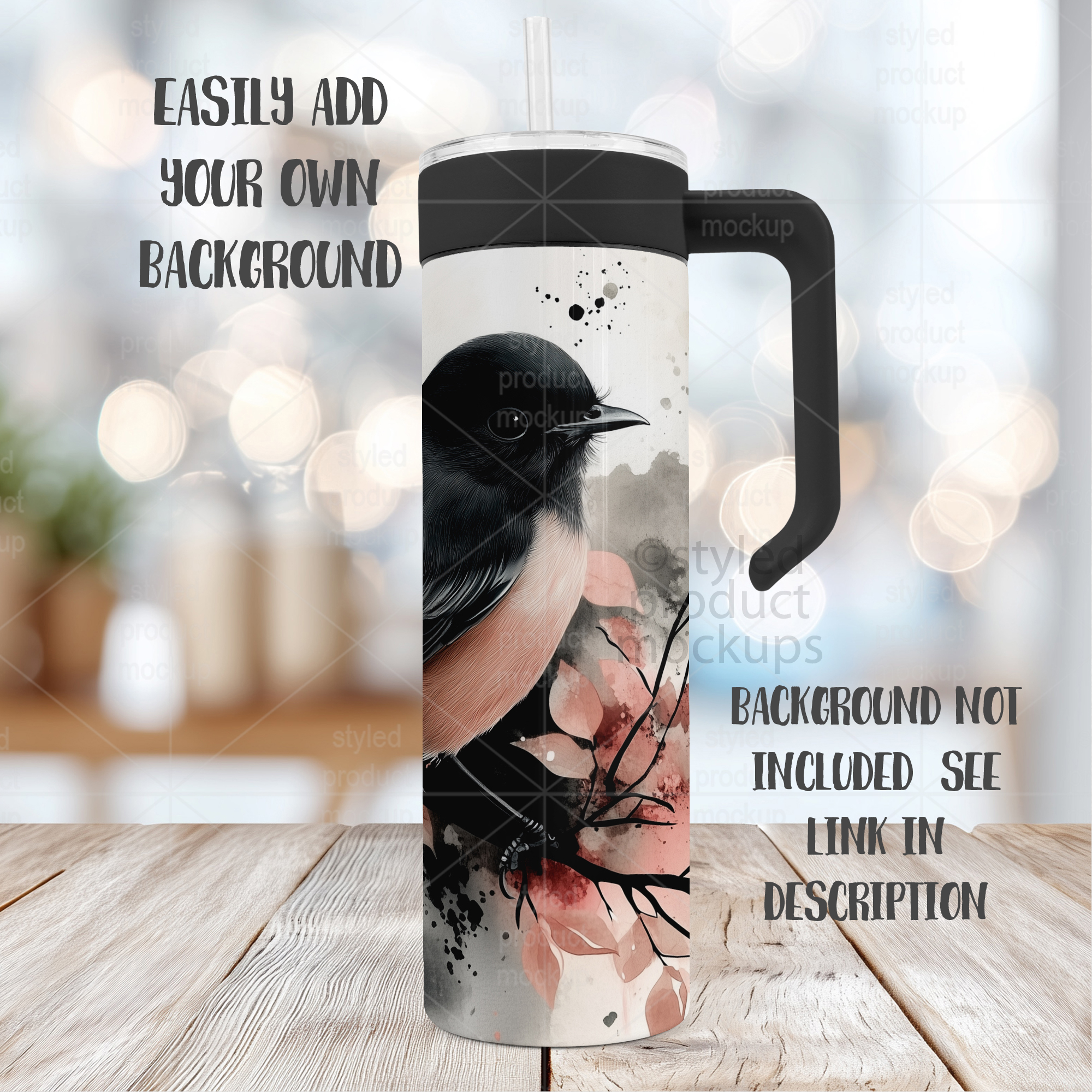
Looking for the background in the example image? You can find it here:
https://www.etsy.com/listing/4479468655/40-tabletop-background-jpgs-for-product
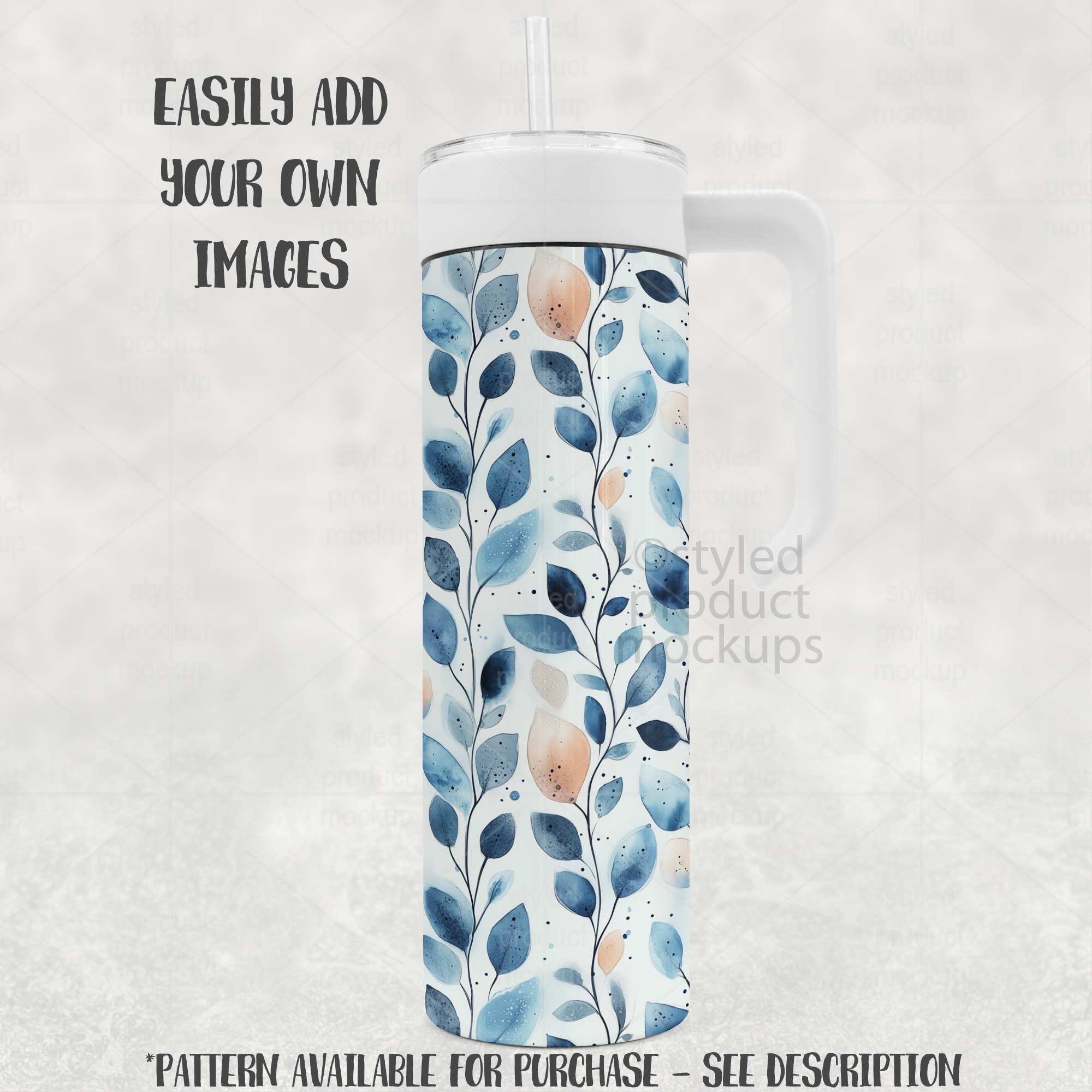
Example image pattern available here:
https://www.etsy.com/listing/4478445947/blue-watercolor-seamless-patterns
Download includes the following file formats:
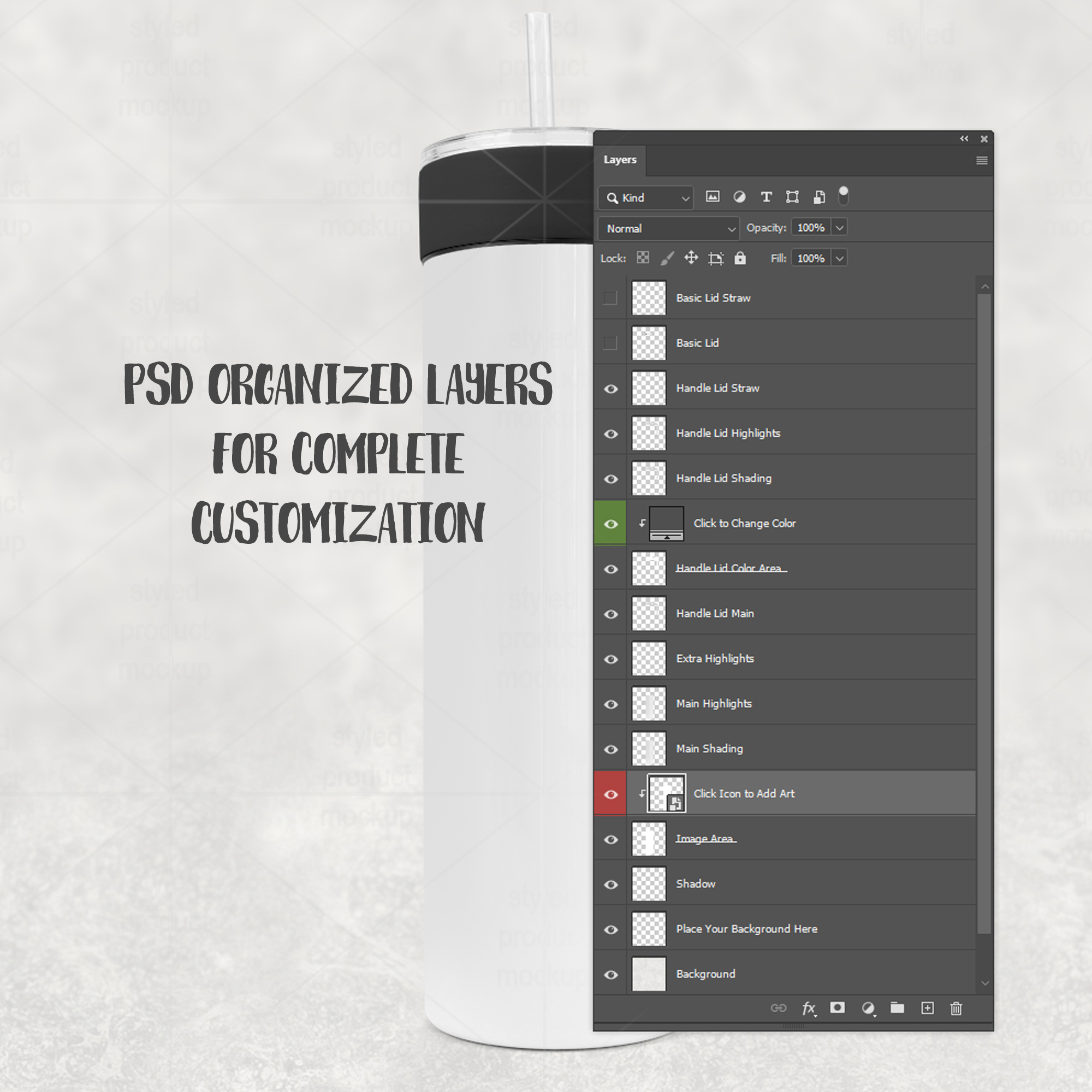
– Smart PSD: For Photoshop CS5+/CC, Photopea. File is set up with Smart Objects. Simply double click the layers marked in Red to paste your image in and you are done! Main layers are separate from background so you can add your own background in.
– Simplified .PSD for use in Elements or Affinity Photo. Simply place your image into the layer that says “Place Image Here”, then resize and adjust to fit the image area’s clipping mask. Main layers are separate from background so you can add your own background in.
– PNG files for other programs which have a transparent window cut out of the image area on a white or grey background. Resize and adjust to fit the image area. You cannot change the background with the PNG files. You cannot change the lid color with the PNG files. Download includes black, white, orange, pink, light blue, dark blue, green, red, yellow, and purple.
– CANVA link with frame with PNG shading overlays. Click the link in the CANVATemplate PDF. The Canva link has everything put together for you. All you need to do is drag the frame to the top of the layer list, drag and drop your image into it and then move back behind the shading layers. NOTE: Canva does not allow you to curve your image, so the frame will not automatically curve your image around the cup when you place your image in.
– EPS shapes with PNG shading overlays. Open the EPS in Illustrator or Corel Draw and use the shapes to clip your image to the shape. Then place in the shading and highlight PNGs above your images. You can also place your own background in.
The templates are 2000×2000 at 300 dpi
You must be logged in to post a review.


Reviews
There are no reviews yet.